
Training and execution become the same thing.

Modern manufacturing training solutions for today’s workforce. Canvas Envision turns engineering data and tribal knowledge into interactive 3D work instructions delivered at the point of work, so new hires learn while they work and time-to-proficiency drops.

Request a Demo
Arrow
Request a Demo
Get Pricing
Get Pricing
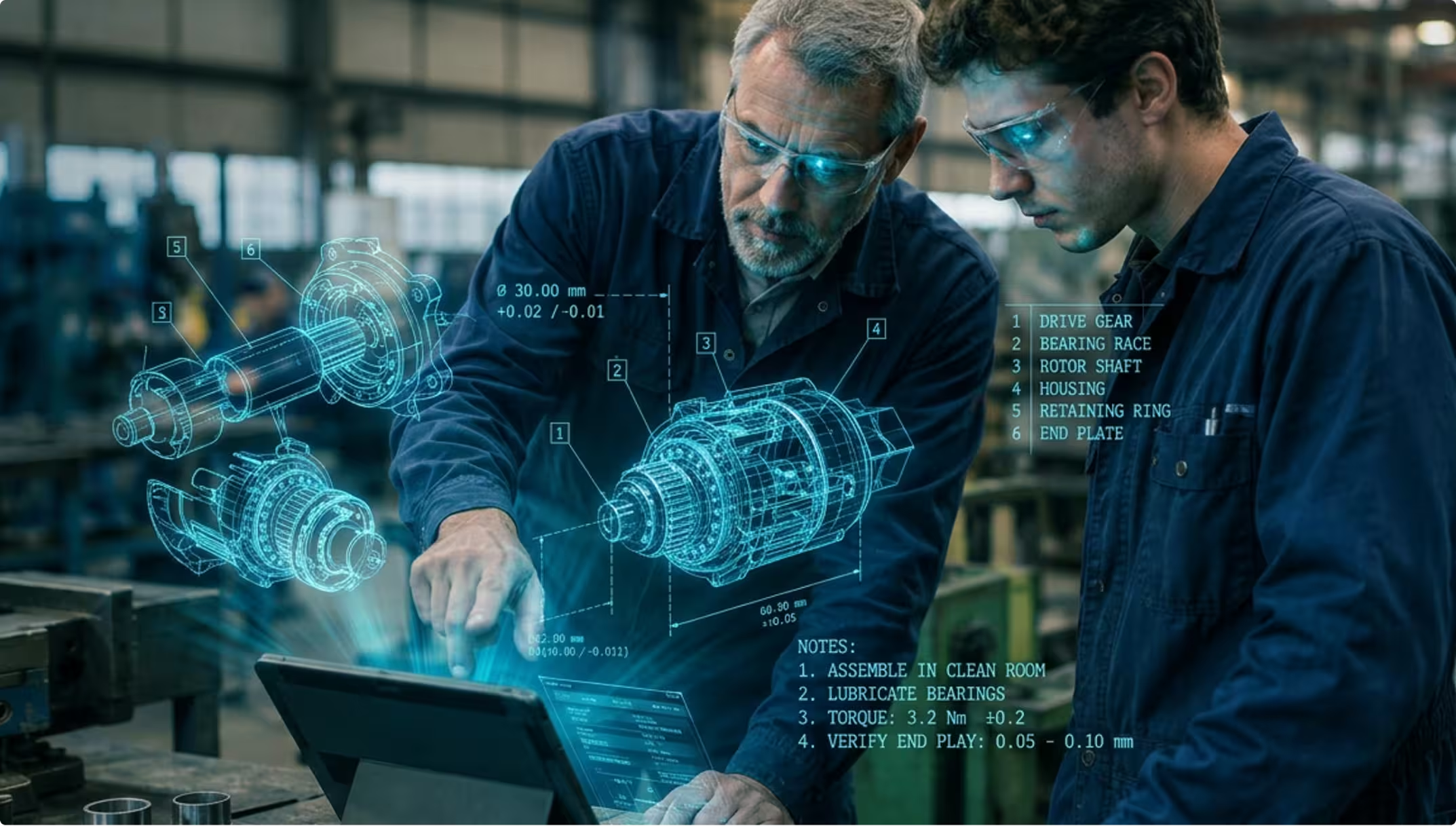
Two engineers wearing safety glasses examine a tablet with holographic mechanical parts and assembly notes.
[ WHY CANVAS ENVISION ]

Time-to-proficiency starts with how you train. Canvas Envision changes how you train.

When training and the work happen in different places, that creates a knowledge gap. Every wasted month of ramp-up, every error a new hire makes, every procedure a retiring expert never wrote down traces back to that gap. Closing it is what Canvas Envision is built to do.

THE GAP

When your experienced workers retire or rotate, decades of hands-on knowledge go with them. The know-how was never captured in a structured, reusable form, and the next generation starts from scratch through months of shadowing.

HOW ENVISION CLOSES the gap

Expert knowledge captured before it walks out

Evie acts as your AI assistant inside Envision Creator, ingesting recordings of your experienced workers performing procedures, plus legacy PDFs, scanned manuals, and other documentation, and proposing a structured work instruction. Tribal knowledge becomes a reusable training asset before the expert walks out the door.

THE GAP

Workers learn in a classroom, watch a video on a laptop, or read a PDF. Then they walk to the line and try to remember it. The gap between learning and doing is where errors and frustration live.

HOW ENVISION CLOSES the gap

Training and execution in the same moment

Envision Operator delivers interactive 3D work instructions at the point of work. 
New hires watch the 3D animation, follow the step-by-step guidance, and capture critical data as they go. The same instruction trains and executes, so learning and doing happen in the same moment.

THE GAP

Every month of ramp-up is quality variance, efficiency loss, and the opportunity cost of an experienced worker shadowing a new hire instead of doing their own work. Time-to-proficiency is one of your biggest hidden costs.

HOW ENVISION CLOSES the gap

Layered detail for every experience level

Authors layer in the level of detail each worker needs. New hires see full step-by-step guidance with animations and exploded views. Experienced workers see summaries focused on what’s different about this build. One source of content, layered for every worker.

THE GAP

Engineering changes products faster than the training team can update the materials. Workers train on procedures that no longer match what’s actually on the line, and the training team plays catch-up indefinitely.

HOW ENVISION CLOSES the gap

Training content that stays current with engineering

When engineering changes the product, Envision Creator brings in the new geometry, and Evie helps revise the affected steps. The training team validates and approves the change instead of rebuilding from scratch. Connecting Envision Connector to your PLM extends the same flow with full traceability back to the engineering record.

THE GAP

Your new hires are digital natives. Static PDFs, paper binders, and classroom training won’t ramp them up quickly or keep them around. Worker attraction and retention now depend on the tools you put in front of the next generation of your workforce.

HOW ENVISION CLOSES the gap

Built for today’s workforce

Envision Operator delivers interactive, explorable 3D work instructions that today’s workforce can dig into and learn from as they work. New hires interact with the geometry, follow animations, and build their own intuition step by step. The experience matches what digital natives expect, so engagement and retention rise.

[ The Outcome ]

Faster proficiency, knowledge that stays, training that scales.

Faster time to proficiency

New hires reach independent productivity sooner because the mentor’s tacit knowledge is codified into the instruction itself, with full step-by-step detail and visual context exactly when each new hire needs it. Master technicians can focus on their own work instead of repeating the same training every shift.

Knowledge that doesn’t walk out

Critical expertise is captured, structured, and reusable. When experienced workers retire or rotate, their wisdom is already part of the platform, available to every worker on every shift.

Training that scales without adding staff

Every captured procedure becomes a reusable training asset that trains dozens of workers consistently, without requiring master technicians to repeat the same instruction. The training team builds once, and the platform delivers everywhere.

[ customer story ]

OTIS replaced 30 pages of static 2D with 7 minutes of interactive 3D.

OTIS replaced 30 pages of static 2D documentation with 7 minutes of interactive 3D animations, delivered to workers at the point of execution. The animations are used during the work, in context, at the step the worker is on. New hires reach competency faster, and experienced workers see only what’s different about this particular setup. Training and execution become the same thing.
Entrance walkway to a building with large illuminated OTIS sign on metallic wall at dusk.
[ Other Use Cases ]

Other ways teams use Canvas Envision.

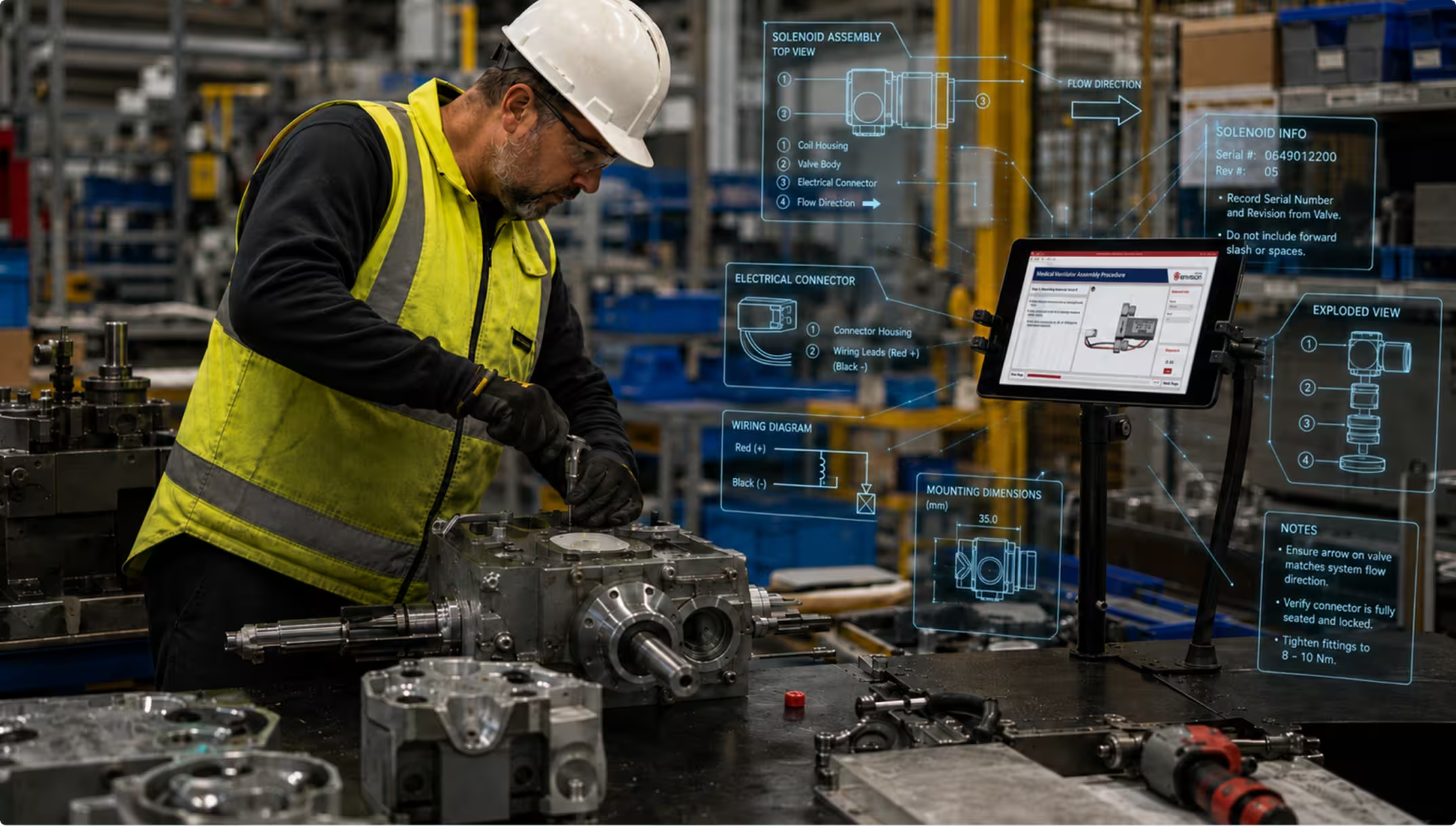
Worker in yellow vest and helmet assembling industrial machinery with digital assembly instructions on screen.
assembly & production
 ]

Visual execution for the assembly line.

Visual execution for the assembly line.

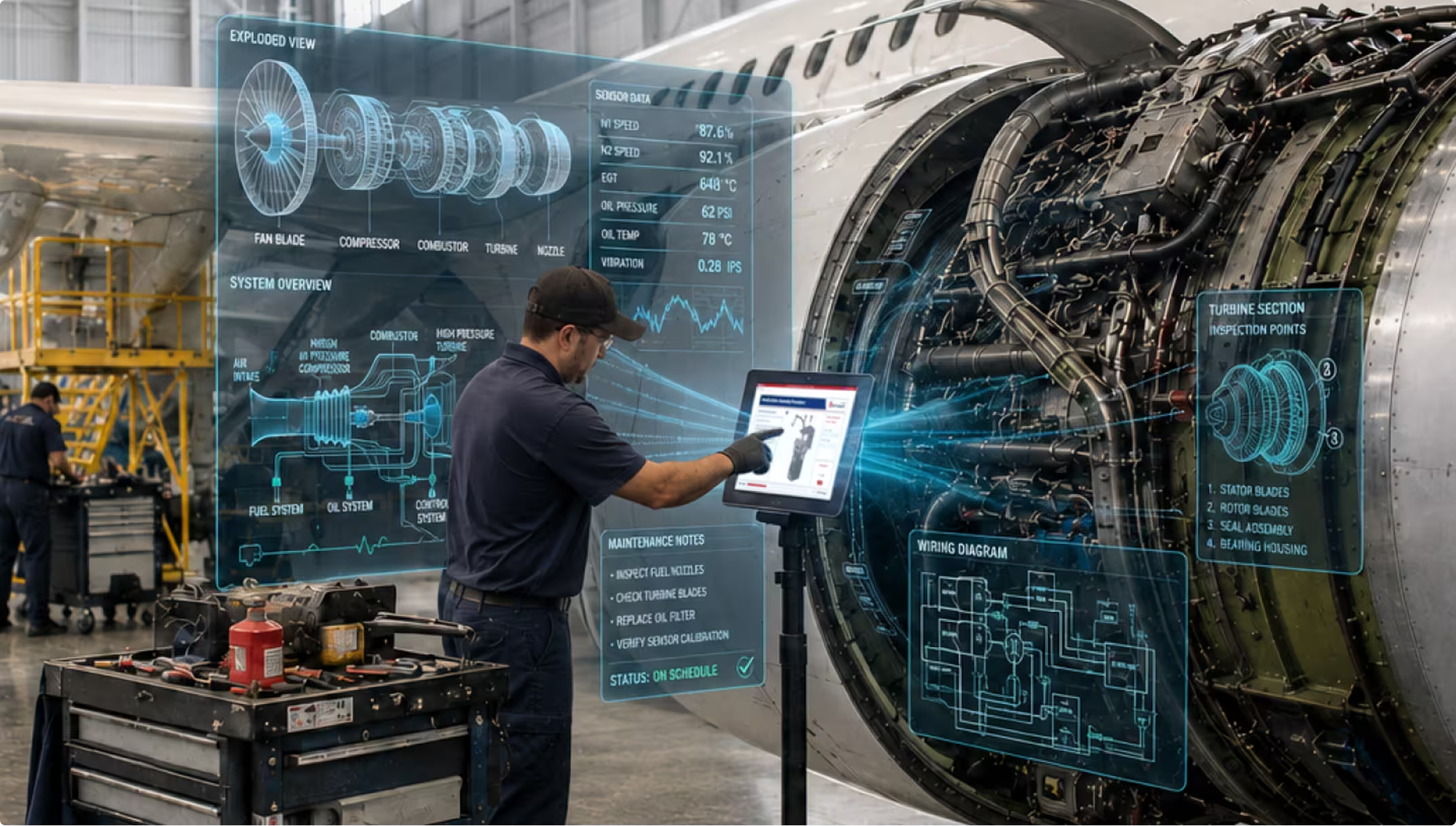
Technician using touchscreen with holographic engine diagnostics beside airplane engine in a hangar.
MRO
 ]

Maintenance & Repair

MRO and field service.

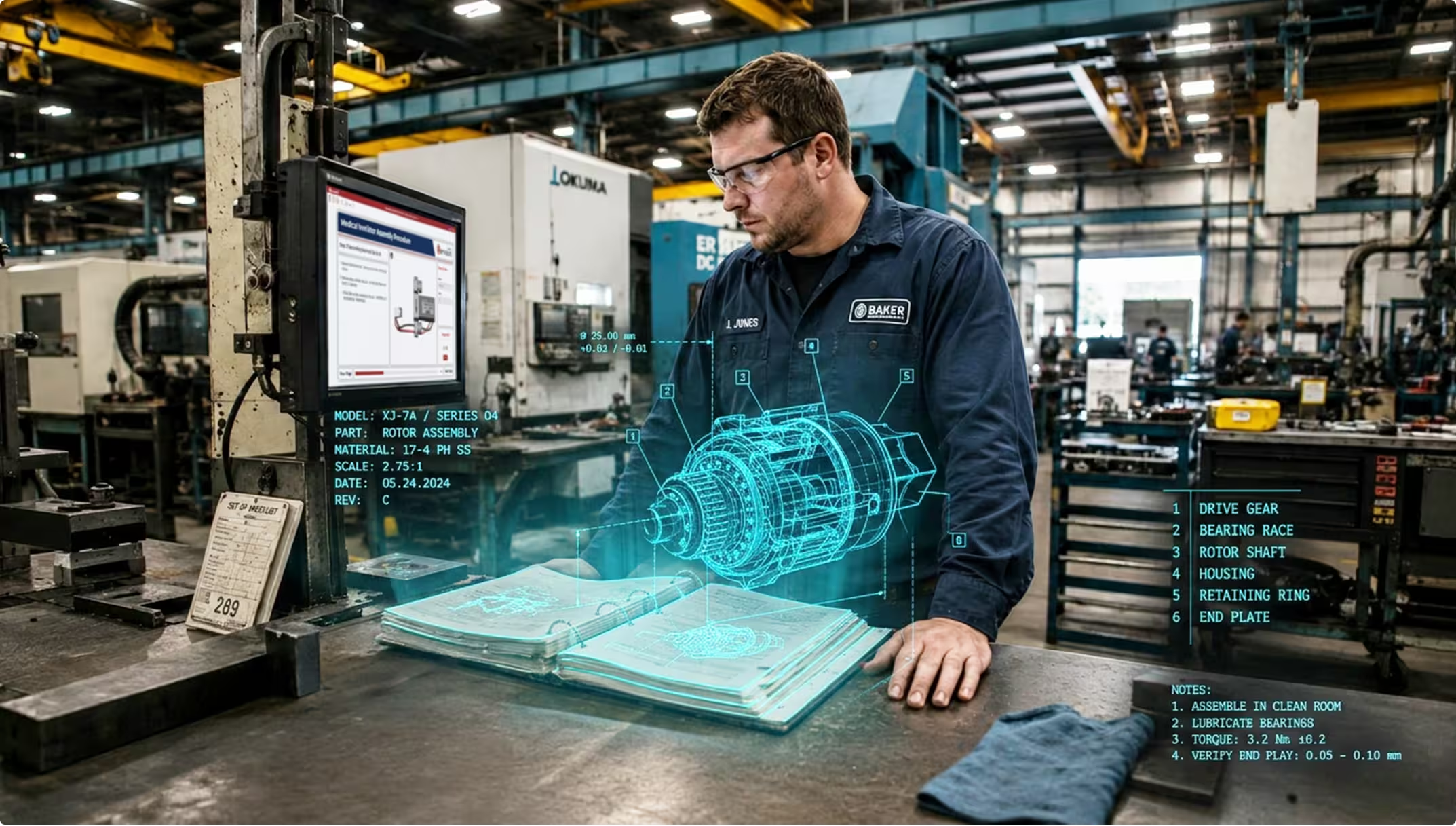
Technician in a factory inspecting a holographic 3D rotor assembly model over an open manual.
Modernization
 ]

Content Transformation

Modernize legacy documentation.

[ FAQs ]

Frequently Asked Questions.

Still wondering? We're happy to talk through your specific training use case.

CONTACT US
CONTACT US

Do I need 3D CAD models for training content?

3D CAD makes the strongest training content, with interactive geometry, exploded views, and animations workers can explore. If you have 3D CAD, Envision Creator authors directly from it and Evie accelerates the work. If you don’t, Evie ingests existing PDFs, videos, scanned manuals, and other documentation and converts them into interactive instructions, and you can grow into 3D as your engineering data flow matures.

How is this different from our LMS?

Canvas Envision complements your LMS. Your LMS handles classroom training, learner records, and certifications. Canvas Envision handles what happens when training meets execution at the workstation. Two systems, complementary roles.

Can we use our existing training videos and PDFs?

Yes. Evie ingests recordings of your experienced workers, legacy PDFs, scanned manuals, and other documentation, and proposes structured interactive instructions. You can deploy training content built from what you already have, without rebuilding from scratch.

How do we keep training content current as products change?

When engineering changes the product, Envision Creator brings in the new geometry, and Evie helps revise the affected steps. Connecting Envision Connector to your PLM extends the same flow with full traceability back to the engineering change. The training team validates and approves the change instead of rebuilding from scratch.

Can we tailor the instruction for different worker experience levels?

Yes. Envision Creator authors a single source of content with layered detail. New hires see full step-by-step guidance with animations and exploded views. Experienced workers see summaries focused on what’s different about this build. Same source, different rendering, no duplicate content to maintain.

See your training program on Canvas Envision.

Request a demo with your own training content. Bring a 3D model, a PDF, or a video of an experienced worker. See what training-as-execution looks like for your workforce.

Request a Demo
Arrow
Request a Demo
Request Pricing
Request Pricing