
Build complex products with precision on your manufacturing floor.

Canvas Envision turns engineering data into interactive 3D work instructions for your assembly line, so your workers build with the same confidence the engineers had when they designed the product. Scrap, rework, and warranty claims drop as a result.

Request a Demo
Arrow
Request a Demo
Get Pricing
Get Pricing
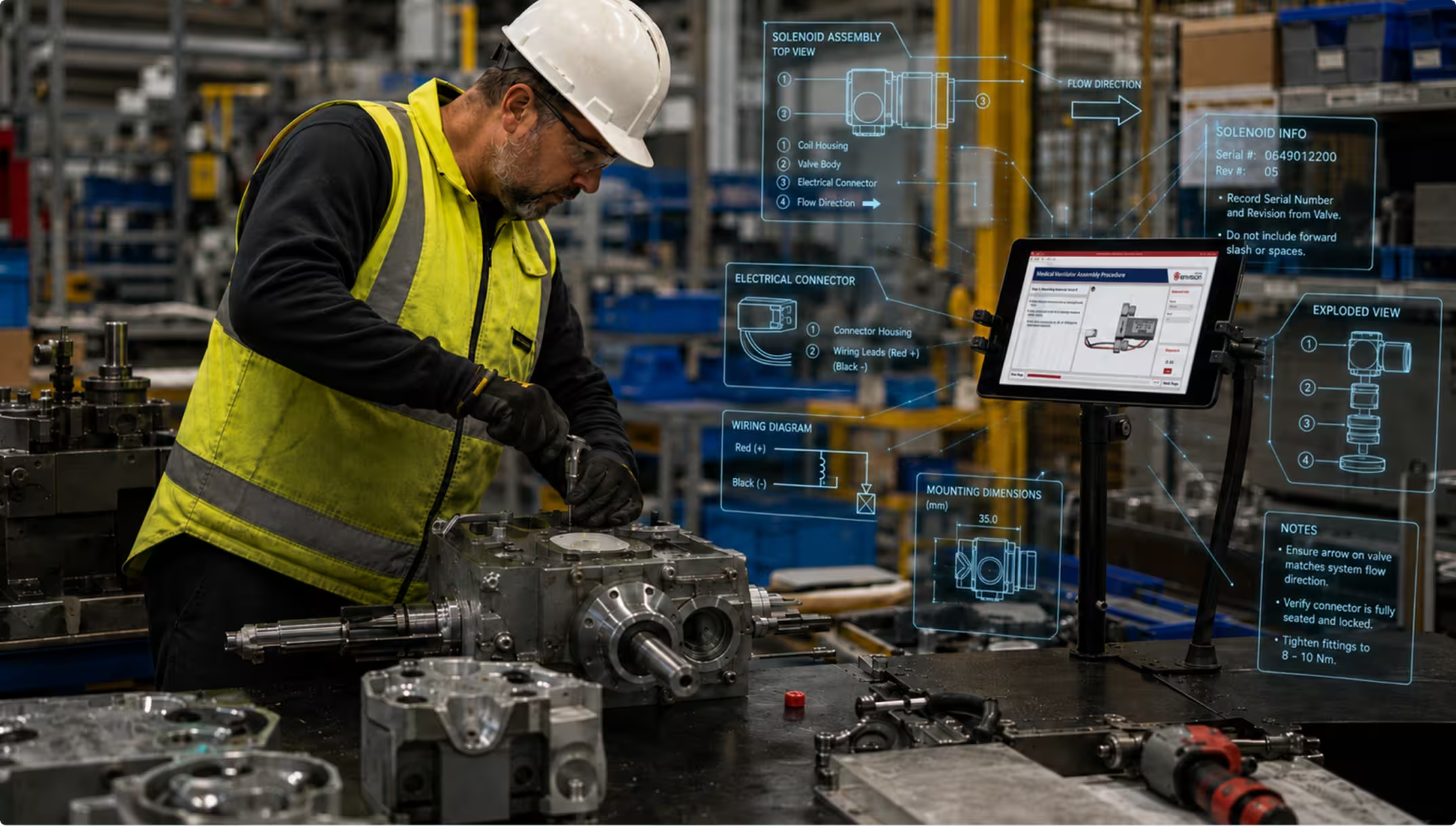
Worker in yellow vest and helmet assembling industrial machinery with digital assembly instructions on screen.
[ WHY CANVAS ENVISION ]

Reducing scrap starts with the instructions. Canvas Envision helps you build better ones.

When the instructions on your floor don’t match what engineering designed or don’t reflect the current revision, that creates a knowledge gap. Every defect, every rework cycle, and every warranty claim traces back to that gap. Closing it is what Canvas Envision is built to do.

THE GAP

Your engineering team designs complex products in 3D, but your shop floor builds from 2D printouts, outdated PDFs, and tribal knowledge. Your workers reinterpret design intent every shift, and translation errors compound at every station.

HOW ENVISION CLOSES the gap

Interactive 3D work instructions from your engineering data

Envision Creator authors interactive 3D work instructions directly from the same CAD data your engineers used to design the product. Your workers see the same geometry, the same exploded views, the same animations. Translation errors disappear when the instruction is built from the source.

THE GAP

When engineering issues a change, a cascade of manual updates is triggered across work instructions, training materials, and on-floor documentation. Your workers keep building to the wrong revision until those updates catch up.

HOW ENVISION CLOSES the gap

Engineering changes that flow through to the floor

Envision Connector keeps work instructions tied to your PLM, so engineering changes flow through under controlled review. Envision Creator brings in the new geometry, and Evie, your AI assistant, helps you revise the affected callouts, animations, and step content in batch. The latest revision reaches the floor in minutes instead of weeks.

THE GAP

When your experienced workers retire or rotate, decades of know-how go with them. The knowledge was never captured in a structured, reusable form, and the next generation starts from scratch.

HOW ENVISION CLOSES the gap

Expert knowledge captured before it walks out

Evie acts as your AI assistant inside Envision Creator, ingesting recordings of your experienced workers performing procedures, plus legacy PDFs, scanned manuals, and other documentation, and proposing a structured work instruction. Tribal knowledge becomes a reusable asset before the expert walks out the door.

THE GAP

Your new hires are digital natives. Static PDFs, paper binders, and classroom training won’t ramp them up quickly or keep them around. Worker attraction and retention now depend on the tools you put in front of the next generation of your workforce.

HOW ENVISION CLOSES the gap

Modern, interactive instructions for today’s workforce

Envision Operator delivers interactive 3D work instructions on the devices today’s workers expect, including tablets, monitors, and ruggedized devices. New hires see full step-by-step guidance with maximum visual context, while veterans see only what’s different about this build. Ramp-up happens fast, workers stay engaged and productive, and retention rises.

THE GAP

When quality checks and measurements are skipped or recorded on paper after the fact, defects pass through unchecked. Warranty claims and scrap cycles follow.

HOW ENVISION CLOSES the gap

Built-in pauses for verification and data capture

Some moments in the work call for a deliberate pause and verification. Envision Operator delivers the work instruction with intentional friction at those moments, including safety acknowledgments, torque checks, and quality holds. Your workers pause, verify the step, and capture critical data like measurements, temperatures, dimensional readings, and serial numbers. That data routes to your quality system as part of the work itself. Visual execution flows both ways, with instructions going to the worker and verification and data flowing back to your systems of record.

[ The Outcome ]

Less scrap, faster builds, faster onboarding.

32
%

Less scrap and rework

When your workers build from interactive 3D instructions tied to the same engineering data engineers used, errors drop. First-pass yield improves, scrap and rework cycles shrink, and the savings hit cost of goods sold directly.

21
%

Faster builds at the workstation

Your workers spend their time building, not interpreting drawings or hunting for the right revision. Cycle times shorten, and operating efficiency improves on every shift.

2.4
x

Faster onboarding for new hires

New assemblers see the full picture in interactive 3D, with adaptive detail matched to their experience level. Time-to-proficiency compresses, and new hires reach independent productivity sooner.

[ customer story ]
Carnaud Metalbox Engineering logo

CMbE runs governed assembly instructions generated automatically from their PLM.

CMbE runs Canvas Envision with Aras and Manufacturing Process Planning tightly integrated. The manufacturing process plan drives automatic generation of governed work instructions in Envision Creator, flowing directly into the assembly line. Instead of recreating documentation, authors validate and approve content that’s already current with engineering. The result on the line is fewer errors, faster builds, and lower scrap, with engineering changes incorporated in minutes instead of waiting for the next document update cycle.
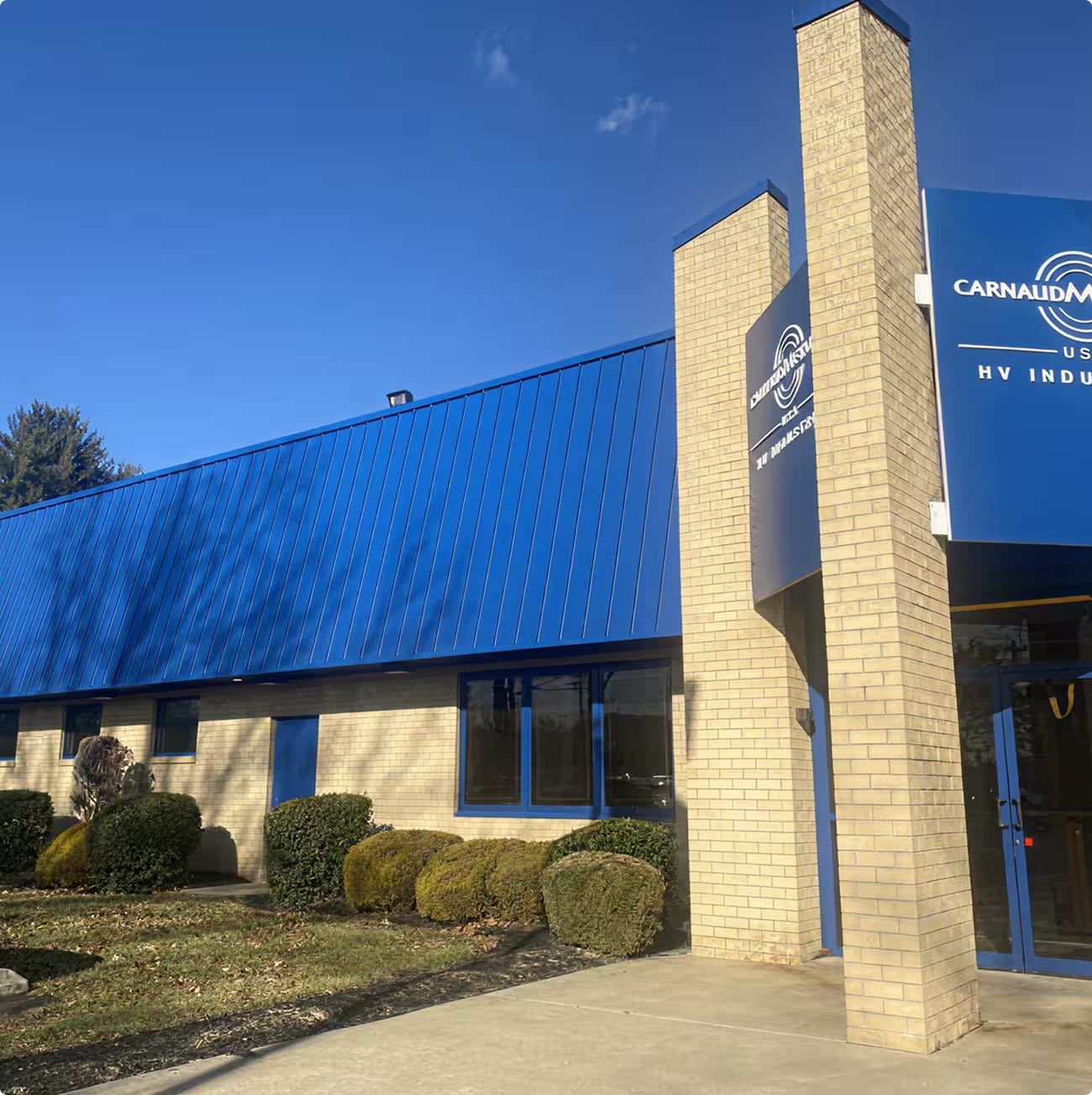
Brick building with blue metal roof and sign reading CarnaudMetalbox USA HV Industries.
[ Other Use Cases ]

Other ways teams use Canvas Envision.

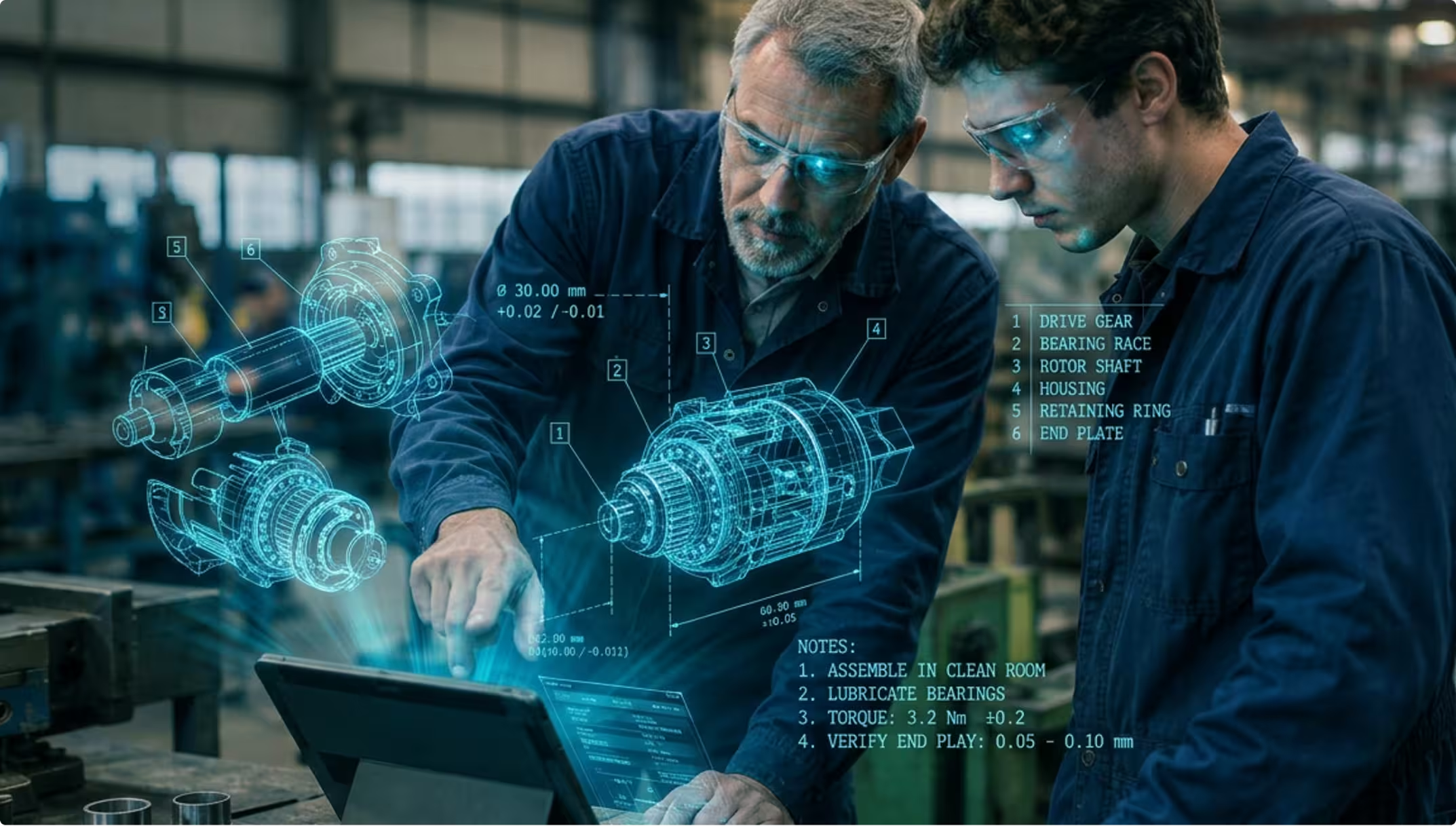
Two engineers wearing safety glasses examine a tablet with holographic mechanical parts and assembly notes.
Training
 ]

On-the-Job Training

New-hire onboarding and knowledge capture.

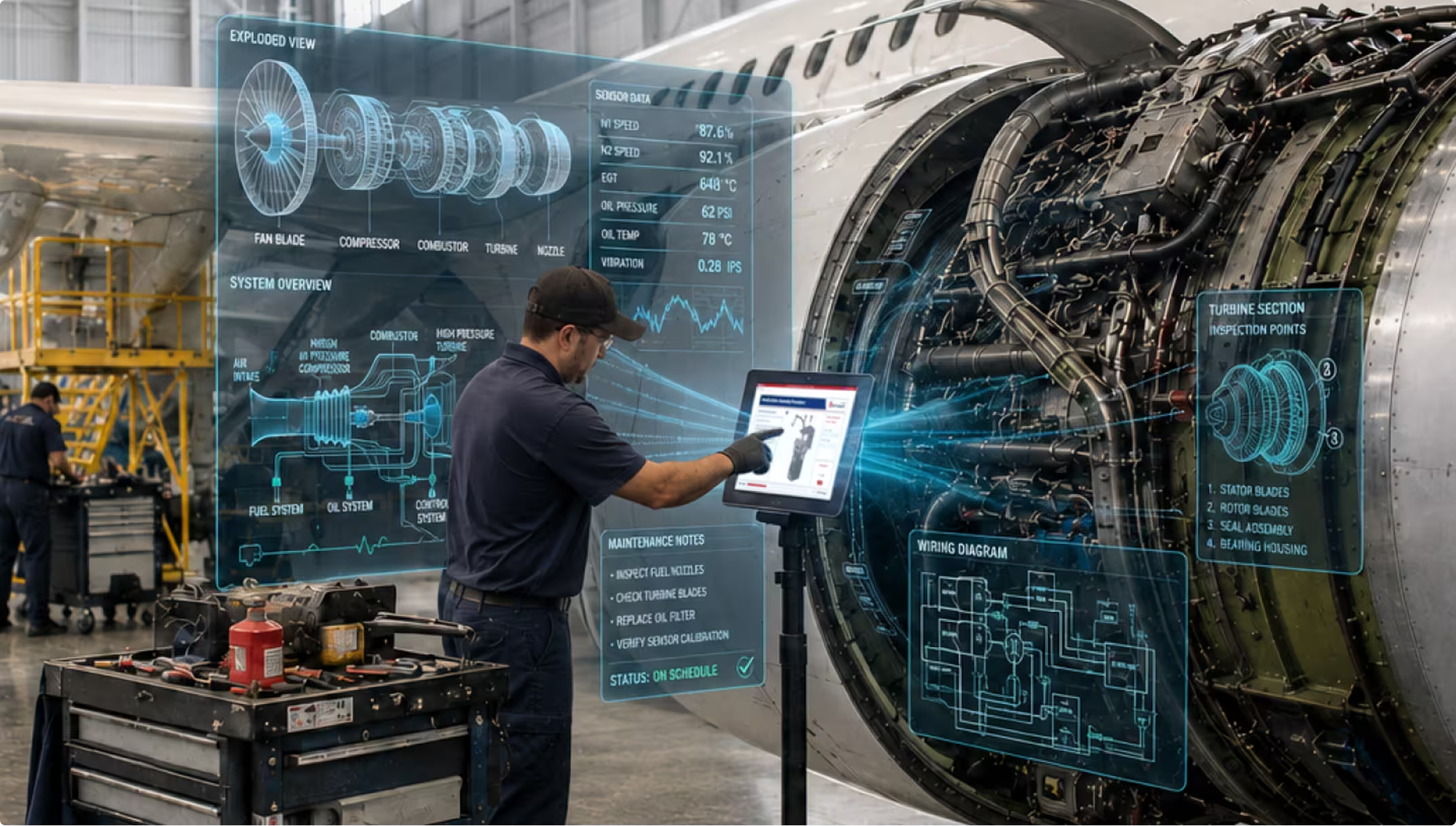
Technician using touchscreen with holographic engine diagnostics beside airplane engine in a hangar.
MRO
 ]

Maintenance & Repair

MRO and field service.

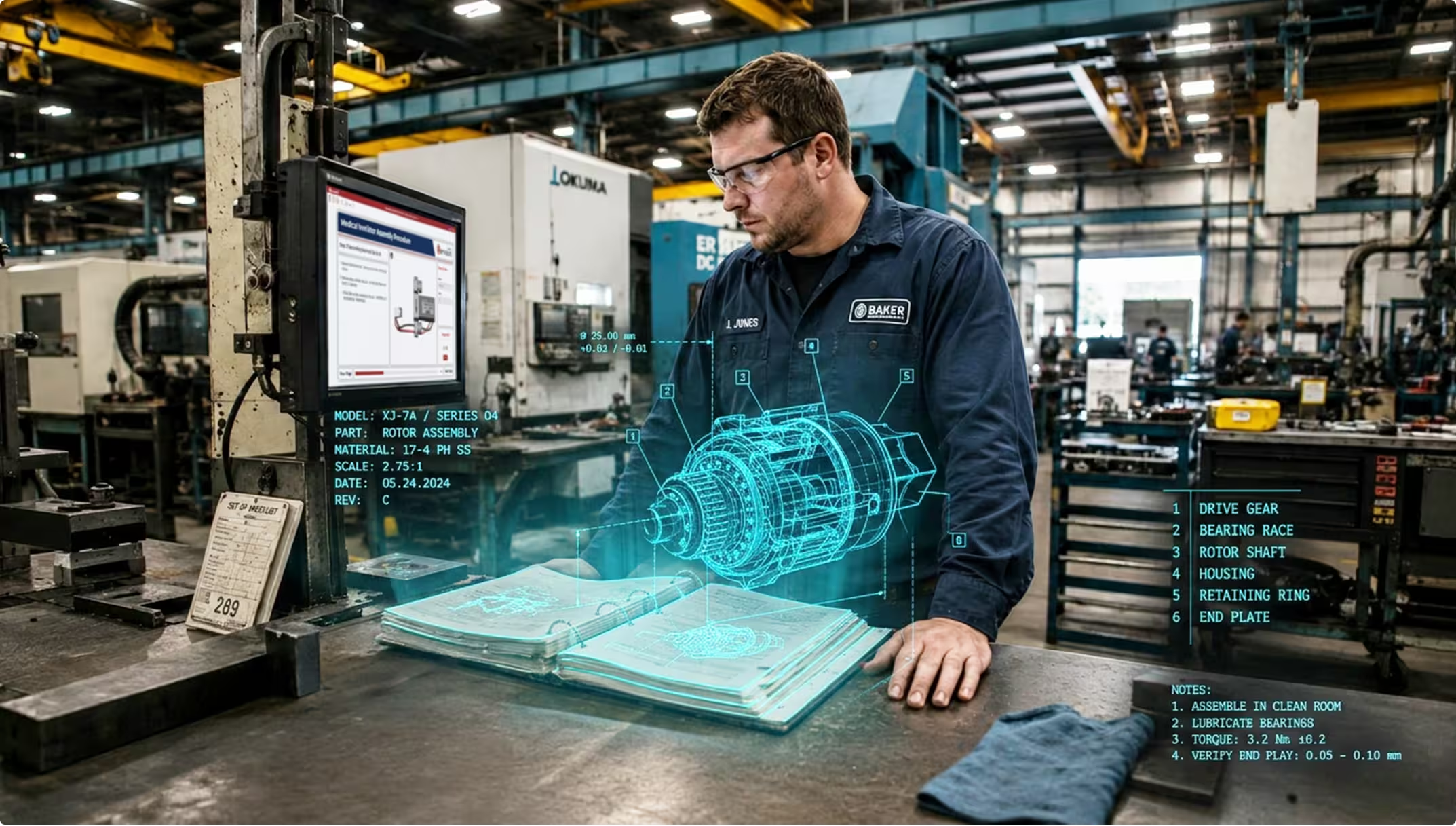
Technician in a factory inspecting a holographic 3D rotor assembly model over an open manual.
Modernization
 ]

Content Transformation

Modernize legacy documentation.

[ FAQs ]

Frequently Asked Questions.

Still wondering? We're happy to talk through your specific assembly use case.

CONTACT US
CONTACT US

Do I need 3D CAD models for assembly instructions?

3D CAD makes the strongest assembly instructions, with interactive geometry, exploded views, and animations your workers can explore. If you have 3D CAD, Envision Creator authors directly from it and Evie accelerates the work. If you don’t, Evie ingests existing PDFs, videos, scanned manuals, and other documentation and converts them into interactive instructions, and you can grow into 3D as your engineering data flow matures.

How does Canvas Envision handle engineering changes during a production run?

When engineering updates the 3D CAD model, you bring the latest geometry into the work instruction in Envision Creator, and Evie helps you revise the affected callouts, animations, and step content in batch. The moment you publish, the floor sees the new revision through Envision Operator. Connecting Envision Connector to your PLM extends the same flow with full traceability back to the engineering change and the governed product record.

Can I tailor the instruction for different worker experience levels?

Yes. Envision Creator authors a single source of content, and Envision Operator delivers it adaptively. New hires see full step-by-step guidance with maximum visual context. Experienced workers see only what’s different about this build. Same source, different rendering, no duplicate content to maintain.

Does Canvas Envision integrate with my MES?

Yes. Through Envision Connector, the work instruction appears at the right step in your production sequence. When the MES says it’s time to execute, Envision Operator is the surface your workers see.

See how it works on your production floor.

Book a demo with your own CAD data and see your assembly instructions come to life in minutes.

Request a Demo
Arrow
Request a Demo
Request Pricing
Request Pricing