Turn decades of paper, PDFs, and outdated manuals into interactive visual instructions.

You don’t have to throw out your existing documentation and start from CAD. Canvas Envision turns it into something workers can actually use, with two paths that fit different content sources. Grow into 3D, PLM integration, and full visual execution as you go.

Request a Demo
Arrow
Request a Demo
Get Pricing
Get Pricing
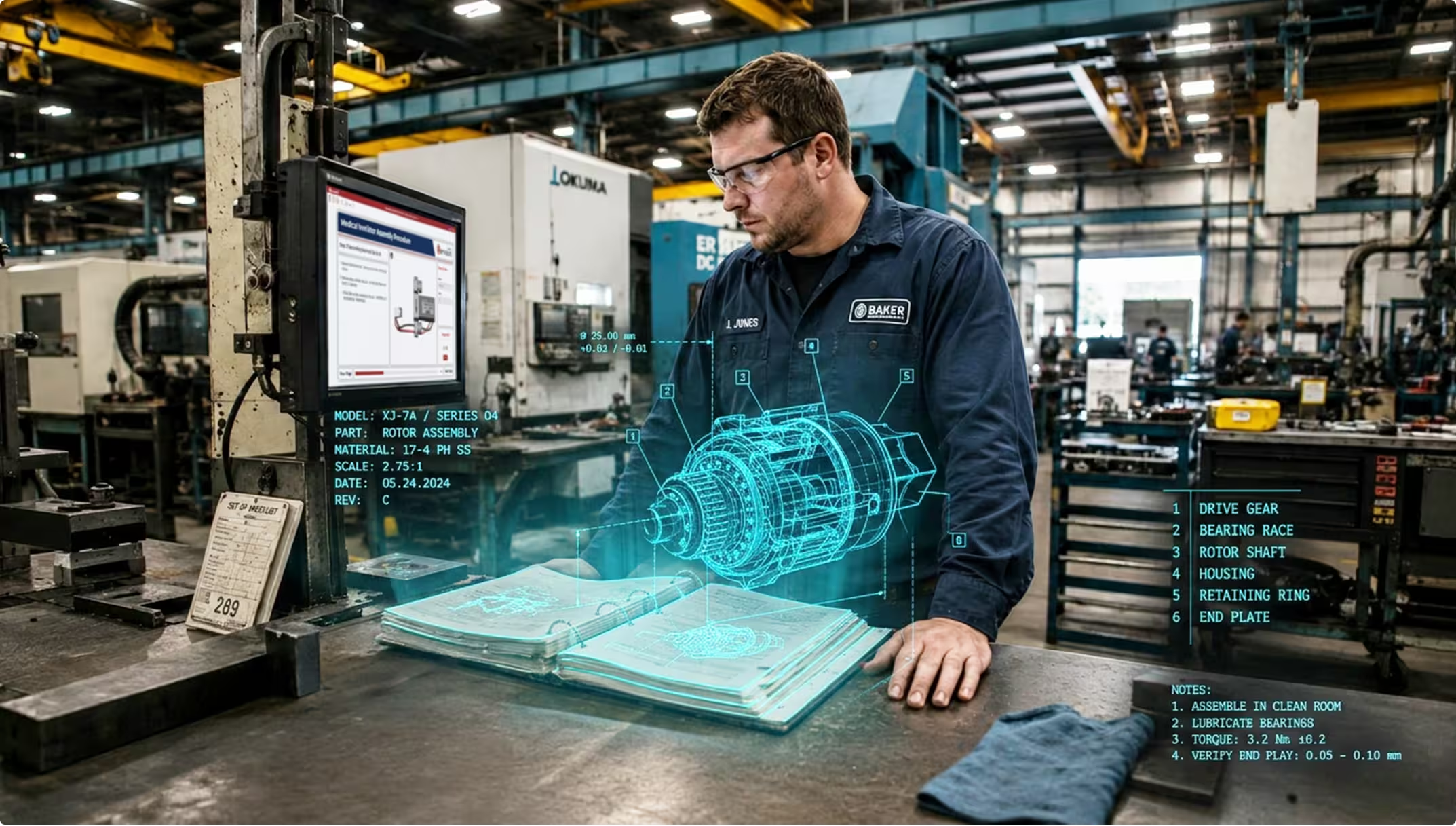
Technician in a factory inspecting a holographic 3D rotor assembly model over an open manual.
[ WHY CANVAS ENVISION ]

Modernization starts with the content you already have. Canvas Envision is built to bring it forward.

You’ve invested decades in PDFs, training videos, scanned manuals, expert demonstrations, and content structured in other platforms. Most of it sits unused, and all of it represents real investment that workers aren’t getting value from. Modernization starts by bringing all of it forward.

THE GAP

Decades of legacy documentation that isn’t usable on the floor PDFs, paper SOPs, scanned manuals, vendor documentation. Throwing it out and starting from CAD isn’t realistic, and the content sits unused because workers can’t follow it at the point of work.

HOW ENVISION CLOSES the gap

Evie AI Agents transform legacy documentation

The PDF to Work Instruction and Video to Work Instruction agents convert legacy PDFs, scanned manuals, and training videos into structured interactive instructions. Manual chopping and rewriting takes hours or days. Evie does it in minutes, so content you’d otherwise leave on the shelf becomes usable. Build Custom Evie AI Agents in the AI Agent Manager for your specific document standards.

THE GAP

Recordings of experts performing procedures exist, but the know-how isn’t structured or governed. It can’t be deployed to workers as instructions, and it isn’t connected to engineering.

HOW ENVISION CLOSES the gap

Tribal knowledge becomes governed knowledge

Evie ingests recordings of your experienced workers and proposes structured work instructions. Connecting Envision Connector to your PLM stores those instructions back as governed knowledge, turning previously ungoverned expertise into a managed, reusable asset that lives alongside engineering source data.

THE GAP

Work instructions, training materials, or service documentation locked into a previous-generation authoring system. You’ve invested in that structure and don’t want to lose it.

HOW ENVISION CLOSES the gap

Envision SDK migrates structured content faithfully

For source content already structured in another platform, the Create SDK does conventional integration engineering. Structure and metadata are preserved. The investment behind your existing library comes forward intact.

THE GAP

Your team may not have AI approved, or your AI strategy may not be in place yet. Modernization shouldn’t have to wait until AI is on the agenda.

HOW ENVISION CLOSES the gap

Envision SDK works without AI

When AI isn’t yet on the table for your organization, the Create SDK gives you a non-AI path to migration that works today. You don’t have to wait for an AI strategy to be approved before starting modernization.

[ The Outcome ]

Paperless instructions, preserved investment, a foundation to grow.

Paperless instructions on day one

Workers see interactive instructions built from content you already have. Modernization happens in days, not the months a rebuild from scratch would take.

Decades of investment preserved

Existing documentation, expert recordings, and structured content from other platforms become source material instead of being discarded. Your organization gets value from work it has already paid for.

A foundation to grow on

Once content is transformed, you can layer in 3D model-based instructions, PLM integration, and full visual execution as the program matures. Content Transformation is the entry point, not the end state.

[ customer story ]

A video-based training library, brought forward without a rebuild.

A customer running an established video-based step-by-step training platform wanted to bring their entire library of structured video content forward into Canvas Envision. The team used the Envision Create SDK to migrate the content faithfully. Structure, metadata, and the investment behind the original library came forward intact, and the team had modern interactive instructions the moment migration completed.
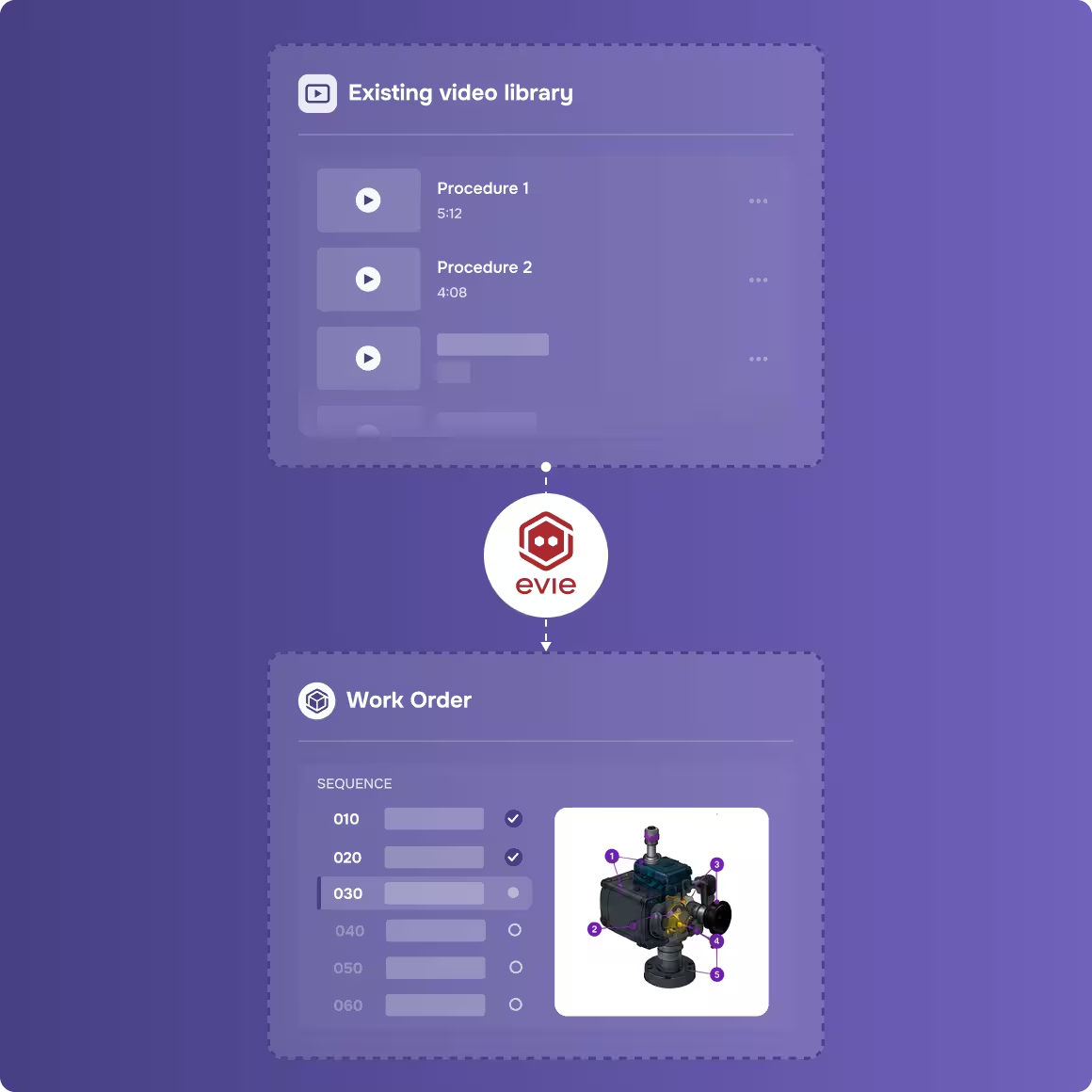
Flowchart showing existing video library connecting to work order with machine part sequence and diagram.
[ Other Use Cases ]

Other ways teams use Canvas Envision.

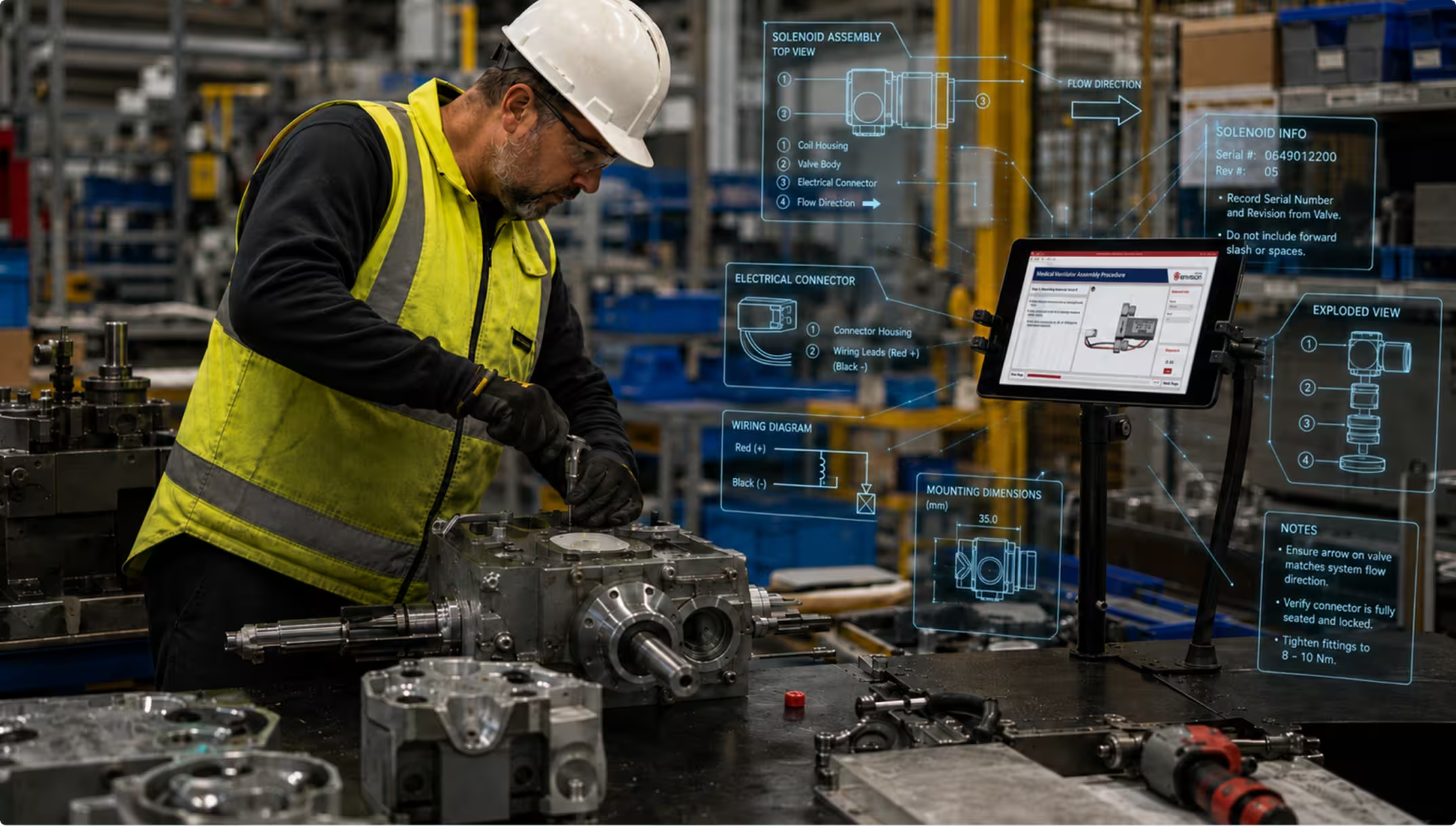
Worker in yellow vest and helmet assembling industrial machinery with digital assembly instructions on screen.
assembly & production
 ]

Visual execution for the assembly line.

Visual execution for the assembly line.

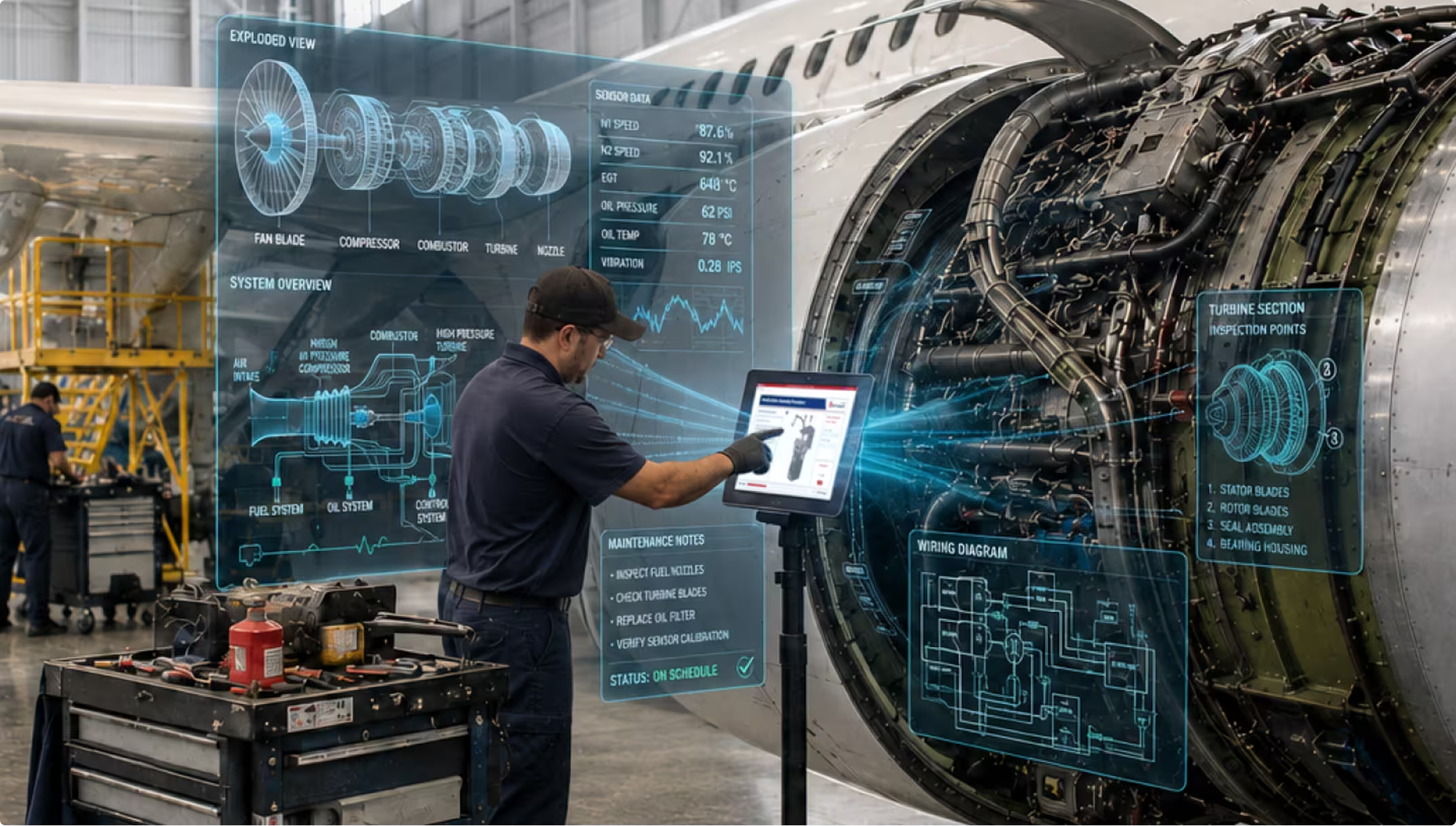
Technician using touchscreen with holographic engine diagnostics beside airplane engine in a hangar.
MRO
 ]

Maintenance & Repair

MRO and field service.

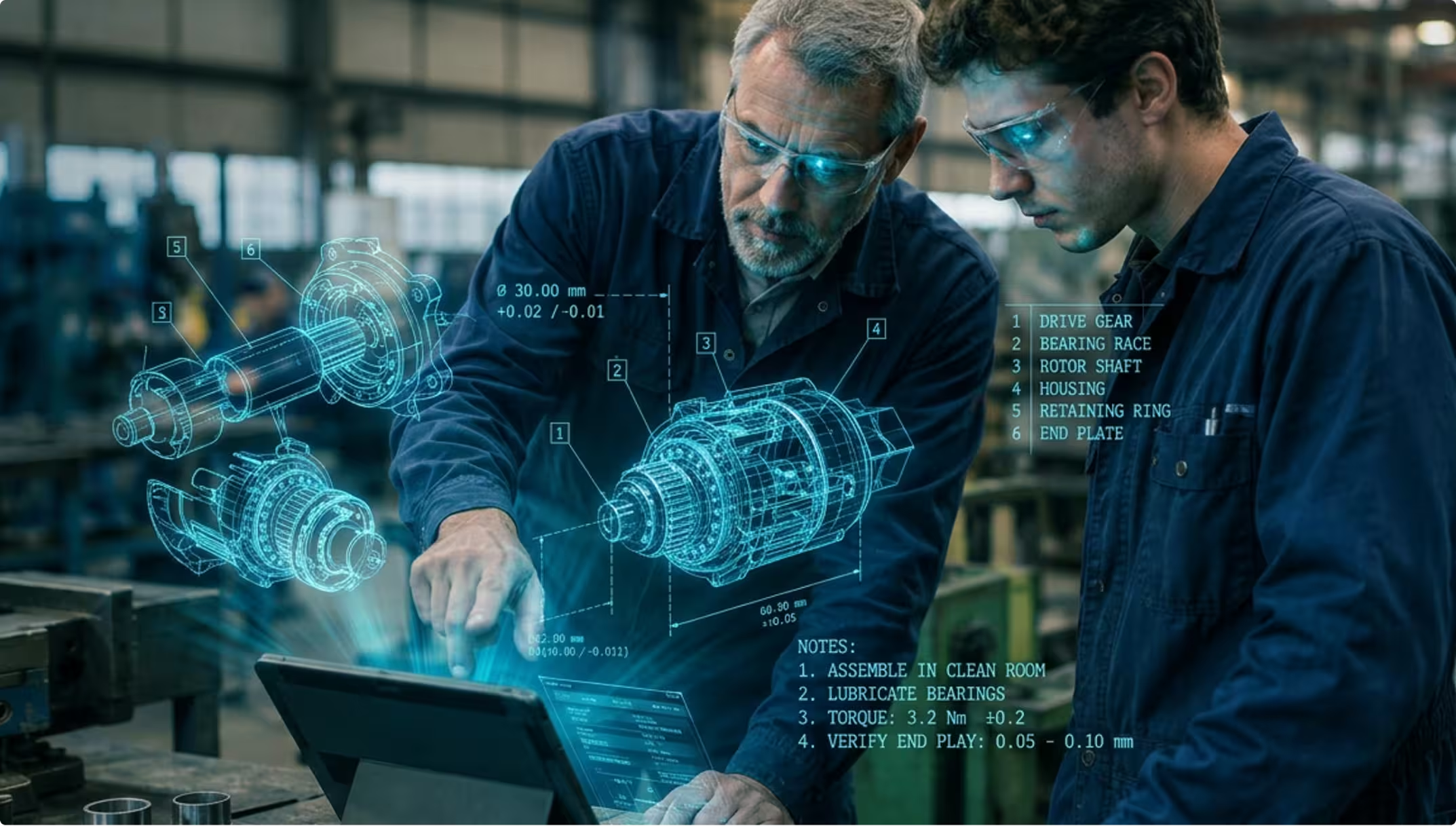
Two engineers wearing safety glasses examine a tablet with holographic mechanical parts and assembly notes.
Training
 ]

On-the-Job Training

New-hire onboarding and knowledge capture.

[ FAQs ]

Frequently Asked Questions.

Still wondering? We're happy to talk through your specific content transformation use case.

CONTACT US
CONTACT US

What kind of content can Evie ingest?

PDFs (service manuals, SOPs, vendor documentation, training materials), training videos and expert demonstrations, scanned manuals where image quality permits, screenshots and image-based documentation, and 3D CAD assemblies for the 3D Assembly Instruction agent. For source content already structured in another platform, the Envision SDK migration path is the more reliable choice.

How do I choose between Evie AI Agents and Envision SDK migration?

Source structure is the deciding factor. Unstructured or semi-structured content (PDFs, videos, scattered documentation) suits the AI Agent path. Already-structured content in another platform, with a defined export format or schema, suits Envision SDK migration. We’ll help you decide during a discovery call.

Our organization isn’t using AI yet. Can we still get started?

Yes. The Envision SDK gives you a non-AI path to migration that works today. If your team has structured content in another platform, the SDK migrates it faithfully without AI in the middle. You can start modernizing while your AI strategy comes together separately.

What happens to my original documents after transformation?

They’re not modified. Canvas Envision creates a structured Envision instruction. The original document remains as it was. This matters especially for MRO buyers working from OEM documentation that they aren’t authorized to modify.

Can transformed content be saved back into PLM?

Yes. Through Envision Connector, structured content (including Evie-processed unstructured content) can be stored in your PLM as governed knowledge.

See your content transformed.

Request a demo. Bring a PDF, a training video, or content from another platform. We’ll show you what transformation looks like for your content.

Request a Demo
Arrow
Request a Demo
Request Pricing
Request Pricing