Bring your service content. See what Canvas Envision does with it.
Canvas Envision works with the content you have today.
Canvas Envision turns OEM documentation and engineering data into task-specific, interactive maintenance and repair instructions. Your technicians spend less time searching and more time executing, lifting your First Time Fix Rate and reducing equipment downtime.
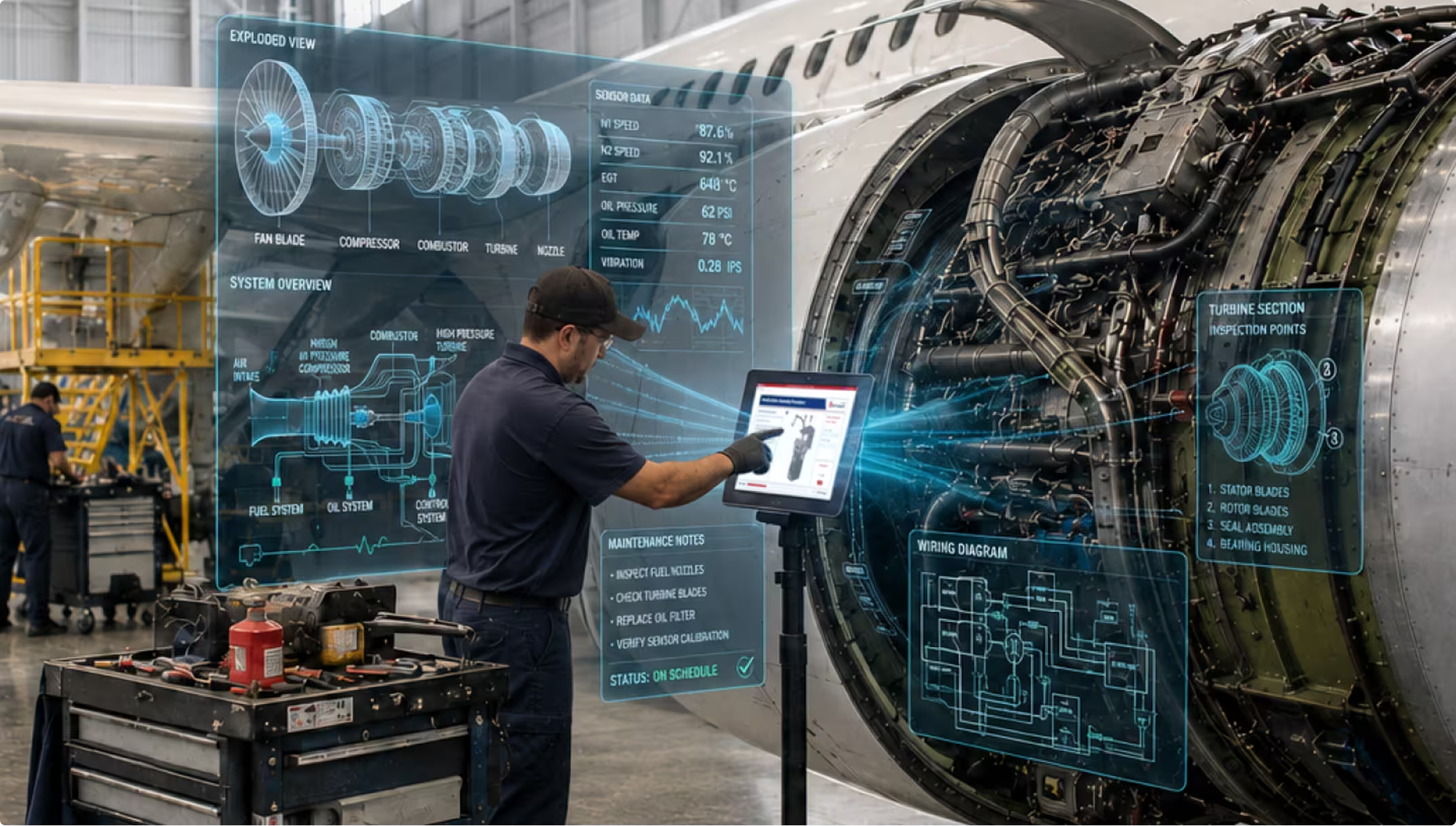
Most downtime starts before the wrench turns. Every minute your technicians spend searching for the right procedure is a minute your assets aren’t producing.
Maintenance procedures are buried inside OEM service manuals designed for filing cabinets, not field work. A single repair often requires your technicians to jump across multiple chapters, pull together the relevant pages and diagrams, and reconcile any service bulletins that modify or supersede portions of the procedure. That hunt often takes upwards of 20–30 minutes.
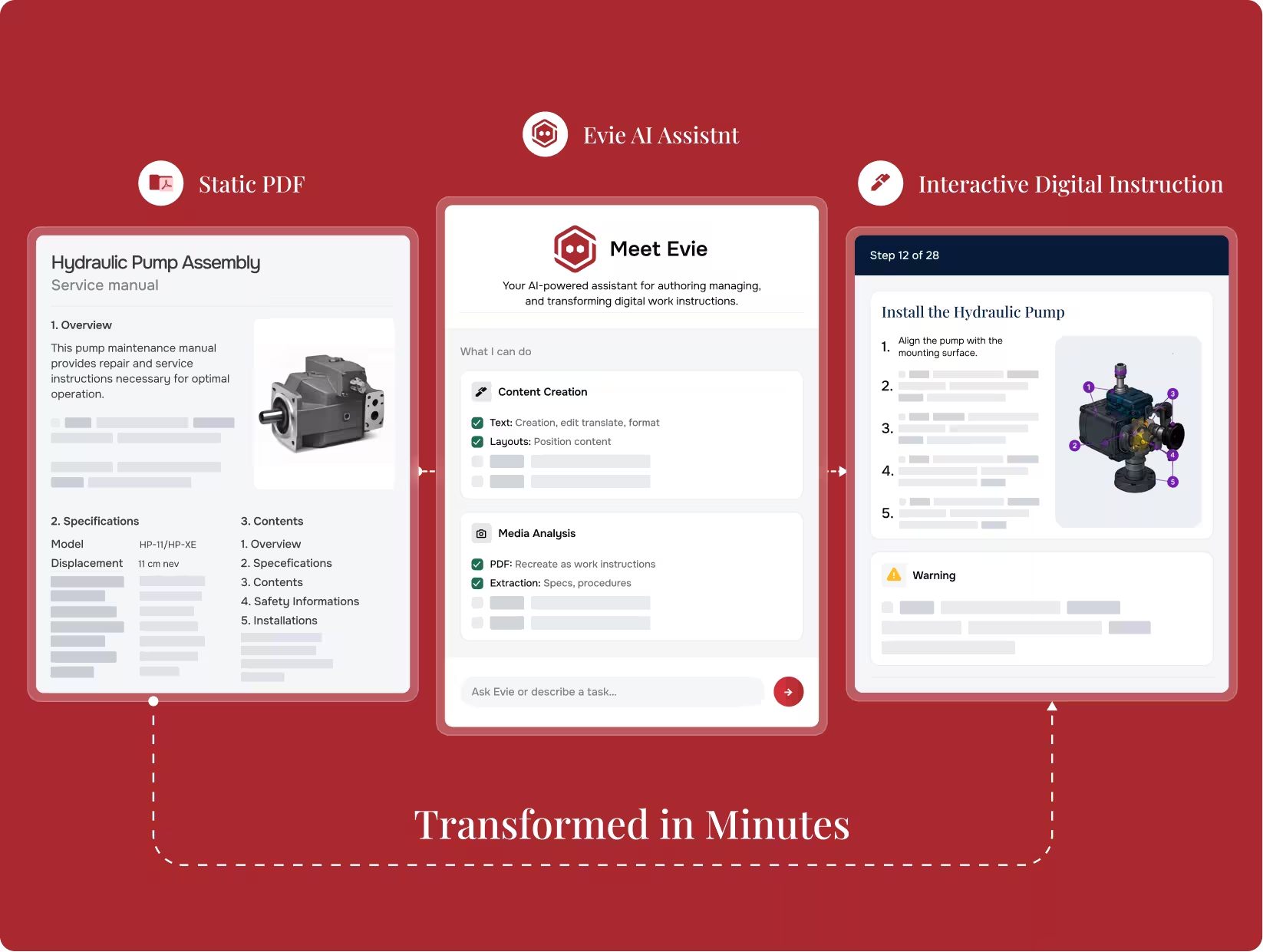
Envision Creator extracts the relevant procedure from OEM documentation and structures it for the specific repair, so your technicians get exactly the steps they need instead of a 500-page manual. Evie ingests existing PDFs, videos, and scanned manuals and proposes the structure.
Paper manuals get damaged, and PDFs don’t fix the underlying issue. Service manuals are reference documents that send your technicians from one section to another and back again, and that constant back-and-forth doesn’t work on a tablet screen. The format doesn’t match the way the work actually happens.
Procedures deliver on tablets and ruggedized devices, with offline support for connectivity-limited environments. 3D models, annotations, and embedded safety warnings travel with your technicians to any location.
If you’re an OEM publishing service documentation, translating engineering knowledge into procedures your field technicians can follow is itself a bottleneck. Authoring is slow, manual, and disconnected from the engineering data the product was designed against.
If you’re an OEM, Canvas Envision turns engineering data, existing manuals, and recordings of expert procedures into structured, interactive maintenance instructions. What previously took weeks to author takes hours.
If you’re an MRO company working from existing OEM documentation, modifying the OEM-approved content isn’t an option. The challenge is presenting just the right portion of the original to your technicians at the moment they need it, without altering the source.
If you’re an MRO, Canvas Envision creates a focused, navigable view of just the relevant section of OEM-approved documentation. The original document is not modified, and your technicians see a structured extract of exactly what the OEM approved for the task at hand.
Your technicians access the exact procedure they need in seconds instead of hunting through hundreds of pages. The bottleneck for many service operations is information access, not technician skill.
Clearer, visual, task-specific instructions reduce return visits, with fewer repeat trips for missing parts or unrecognized variants.
Every minute your technicians spend searching for the right page is a minute of asset downtime. Structured procedures cut search time dramatically and keep your assets producing.
Canvas Envision works with the content you have today.
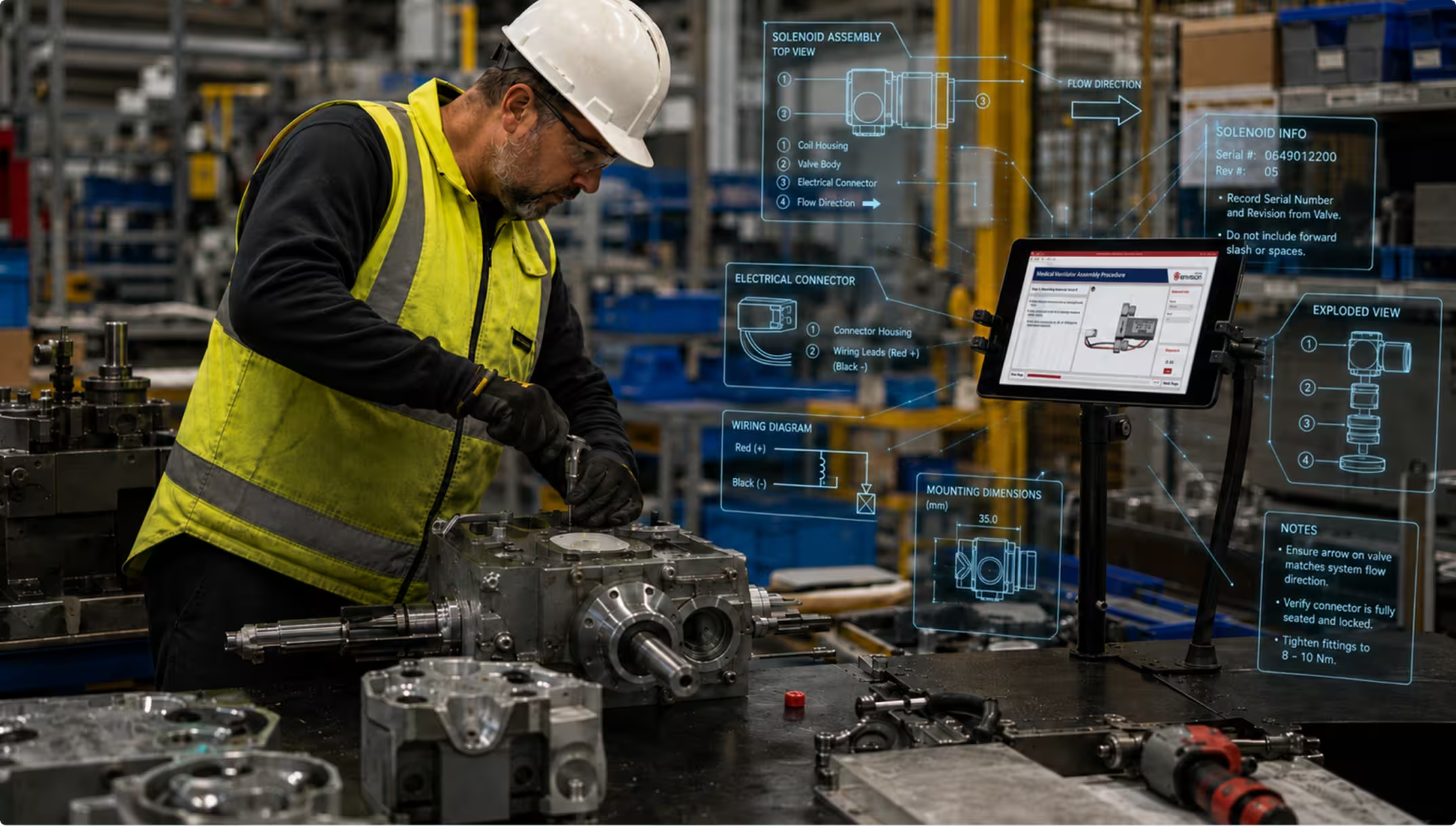
An OEM service manual.
Evie extracts the section for a specific repair and Envision Creator structures it for your technicians.
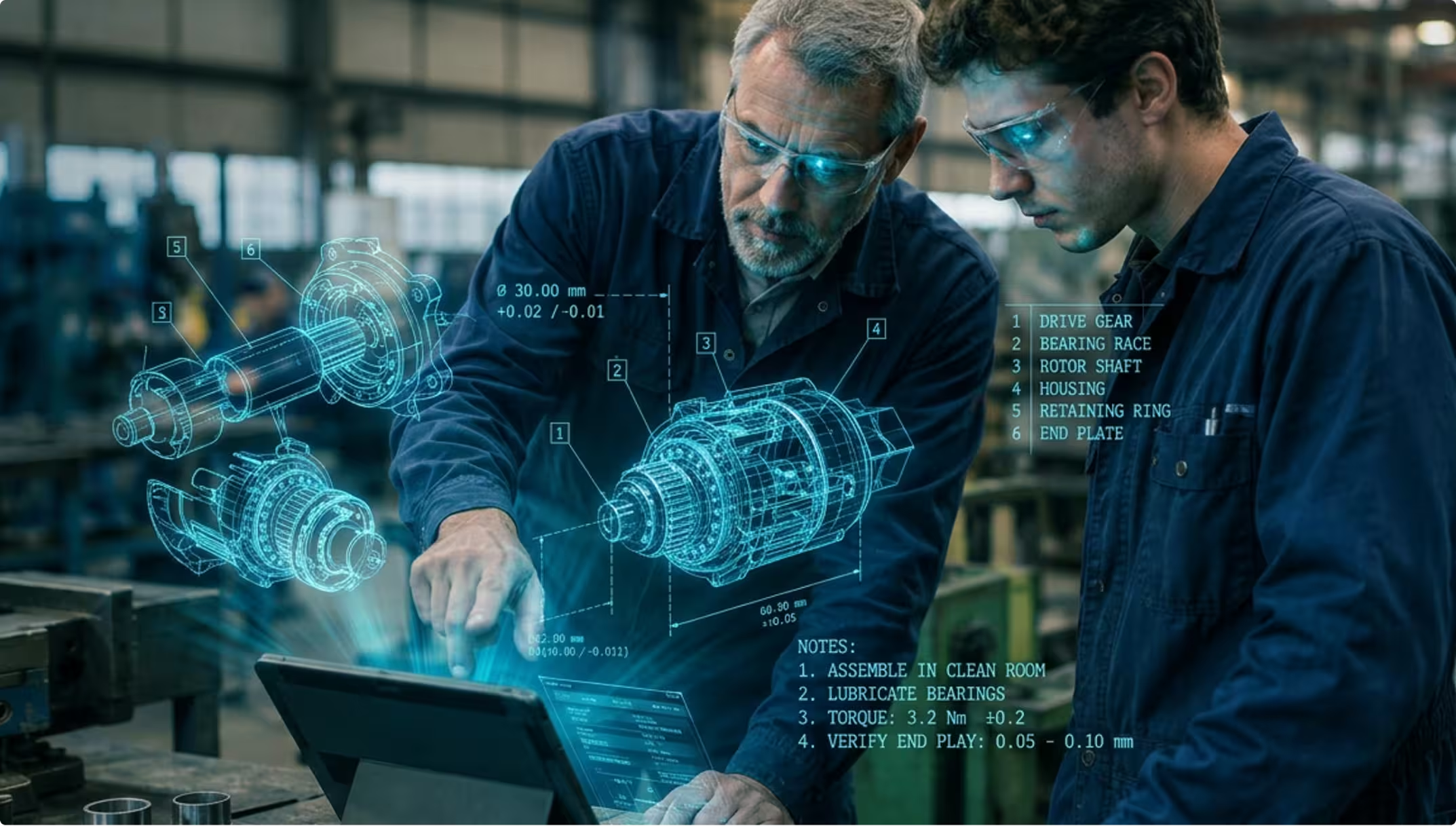
A 3D model and a service procedure.
Evie sequences the steps, generates exploded views, and annotates the geometry.
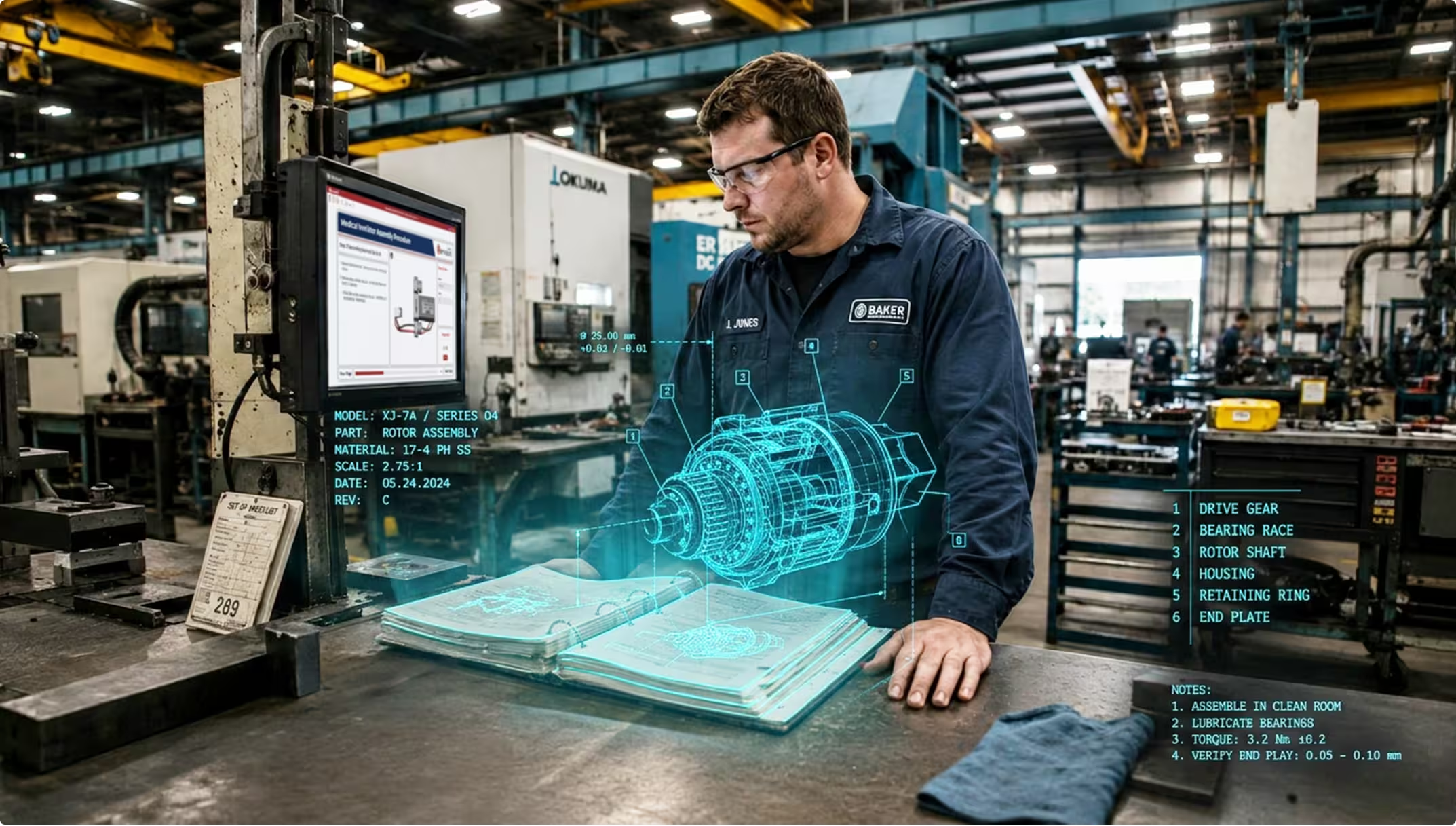
A live repair.
The platform captures a record of which pages and documents were referenced during the work.
Still wondering? We're happy to talk through your specific maintenance and repair use case.
No. The extracted content delivered to the worker is the original OEM-approved instruction. Canvas Envision structures and presents only the relevant portion for the specific job. The technician sees exactly what the OEM approved, focused on what they need for the task at hand.
No. Evie ingests existing PDFs, videos, scanned manuals, and legacy documentation directly. If you do have 3D CAD, you can build even richer interactive instructions in Envision Creator, with exploded views, animations, and labeled assemblies. Evie accelerates the 3D authoring as well. Either path works for maintenance content.
Yes. Procedures download to mobile and ruggedized devices. Technicians execute the full procedure offline, and captured data queues and syncs when connection returns.
Yes. The platform records which pages, documents, and service bulletins were referenced during the repair. This matters for warranty, audit, and dispute resolution.
Yes. Canvas Envision is the visual execution layer, not a replacement for your maintenance management system. Captured data flows back via Envision Connector and the SDK to your systems of record.
Canvas Envision is the visual execution layer that complements your existing maintenance systems. Your CMMS, EAM, or predictive maintenance system handles the scheduling and triggering. When it’s time for the worker to do the work, Canvas Envision generates or extracts the right procedure and delivers it as a visual, interactive instruction. The trigger can be preventive, predictive, or reactive, and the delivery to the worker is the same.
Request a demo. Bring an OEM service manual. We’ll show you what task-specific extraction looks like for your fleet.