New!
Now with Evie AI Assistant

Your best engineers won’t be here forever. Their knowledge should be.

Canvas Envision captures their expertise as visual work instructions, then delivers them to every worker building and servicing your products.

Request a Demo
Arrow
Request a Demo
Request Pricing
Request Pricing
Watch a 2-min demo
Play
[ TRUSTED BY WORLD-CLASS MANUFACTURERS ]
[ HOW WE CLOSE THE GAP ]

We close the gap between what your engineers design and what your teams build.

Manufacturing knowledge has been treated as a documentation problem. We treat it as an execution problem. The right information reaches the worker at the moment of work, and what happens at the work flows back into engineering.

[Edit with Evie]

Edit entire documents in seconds.

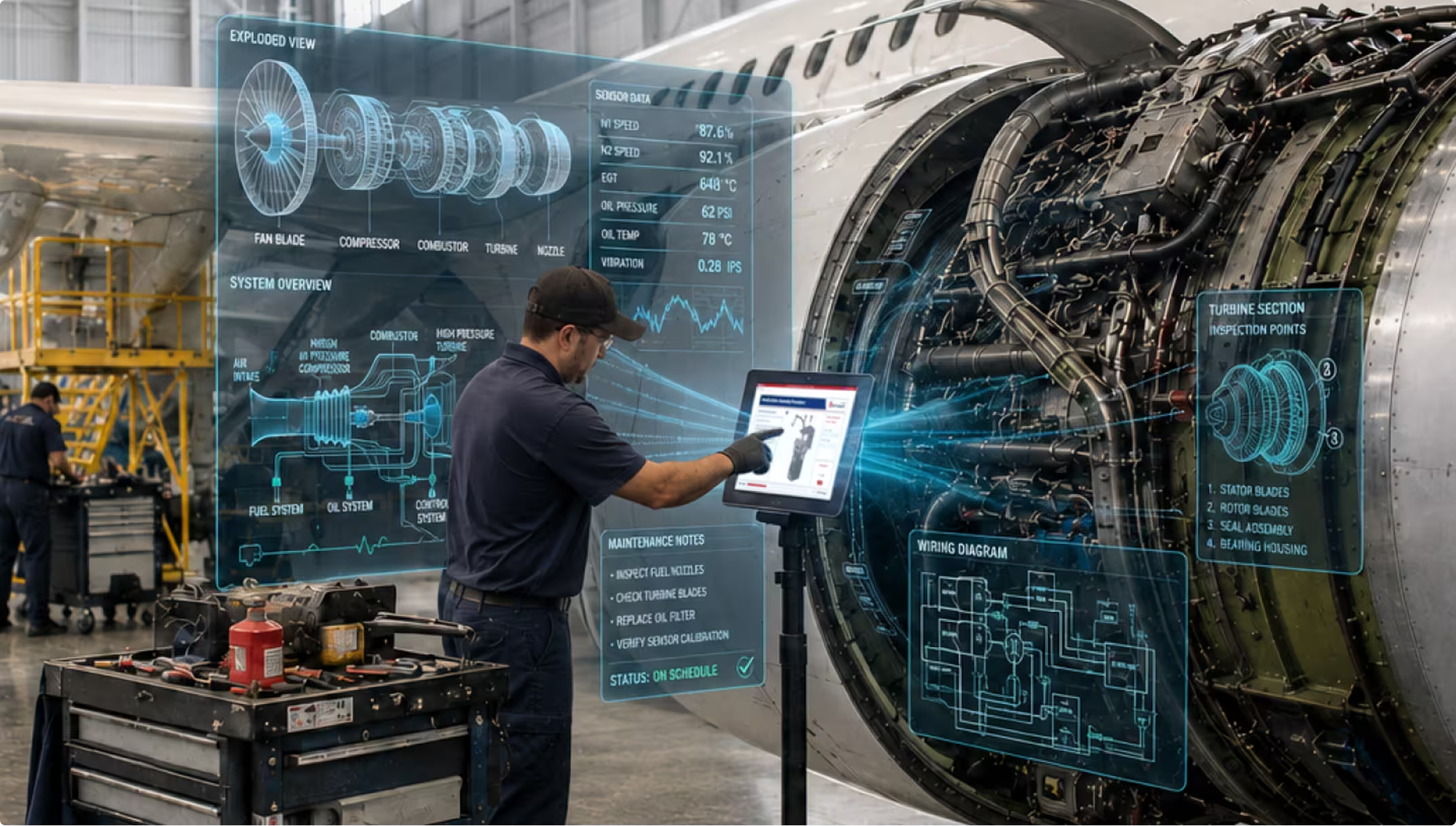
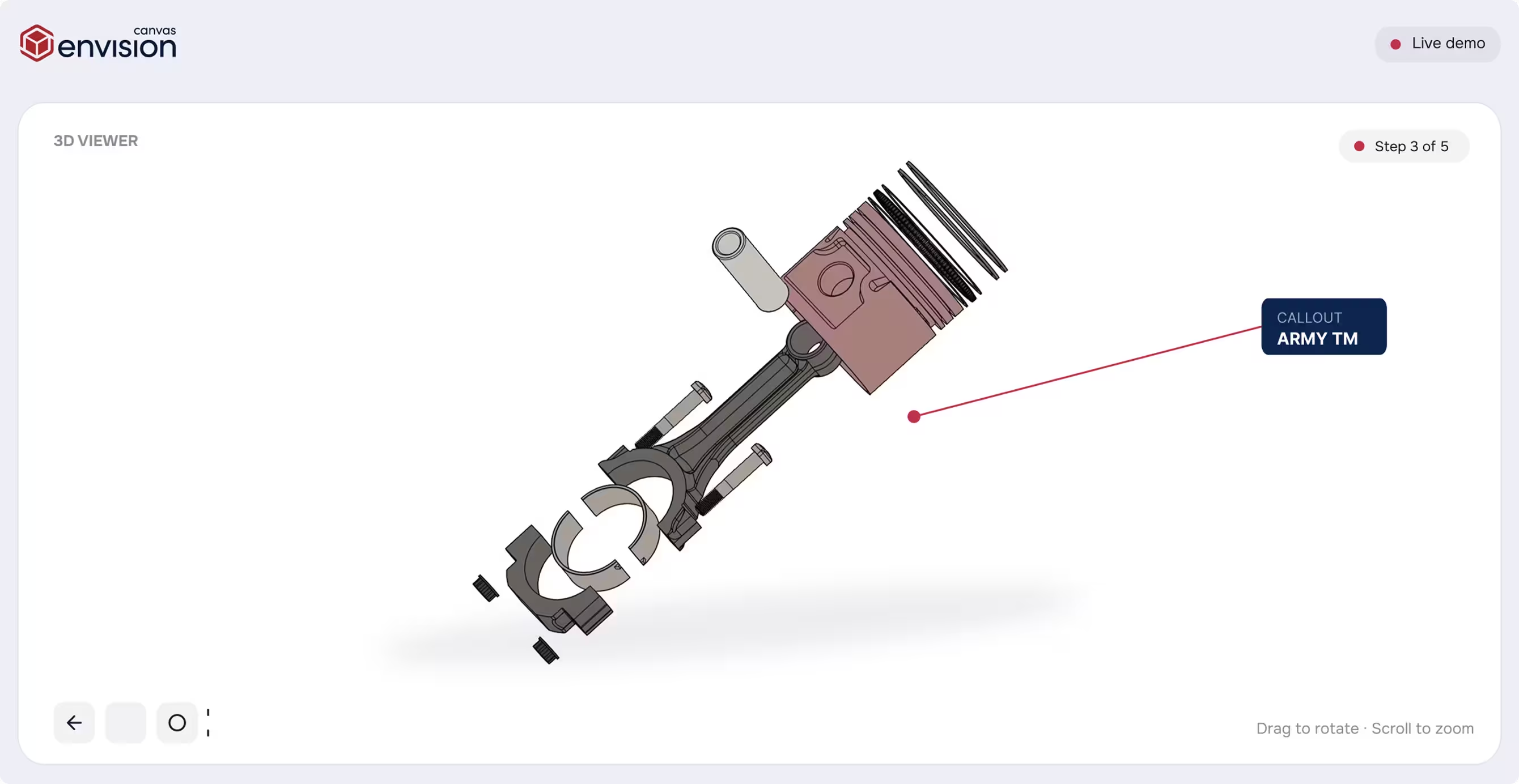
Evie, your AI assistant inside Envision Creator, turns the most tedious authoring into near-instant operations. Generate exploded views, label parts, create assembly sequences, and update every step in seconds. The first draft of a complex work instruction is no longer a multi-day task.

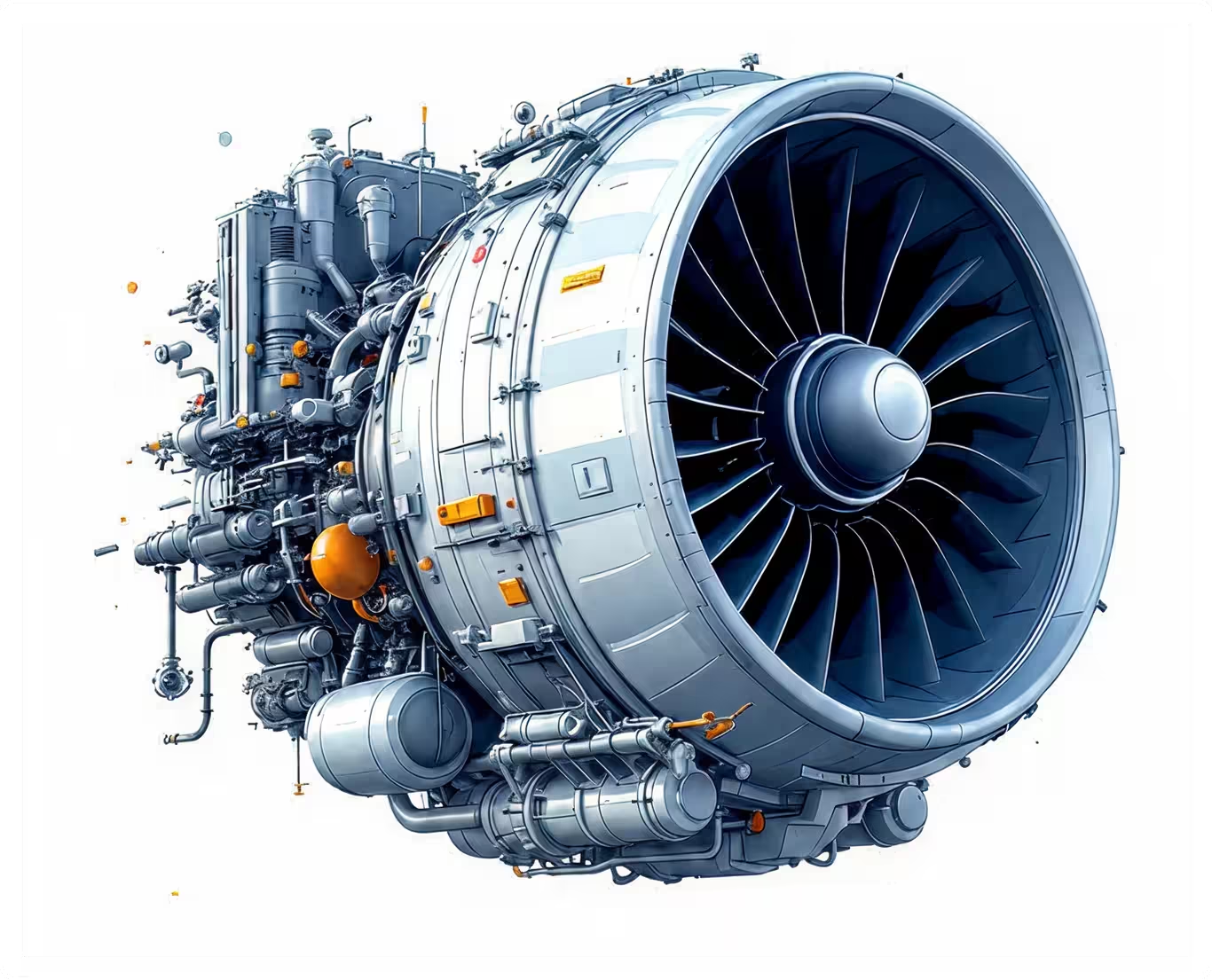
Close-up of a detailed jet engine turbine with metallic blades and mechanical components.
[ BUILT ON YOUR ENGINEERING DATA ]

Author from the same source your engineers design with.

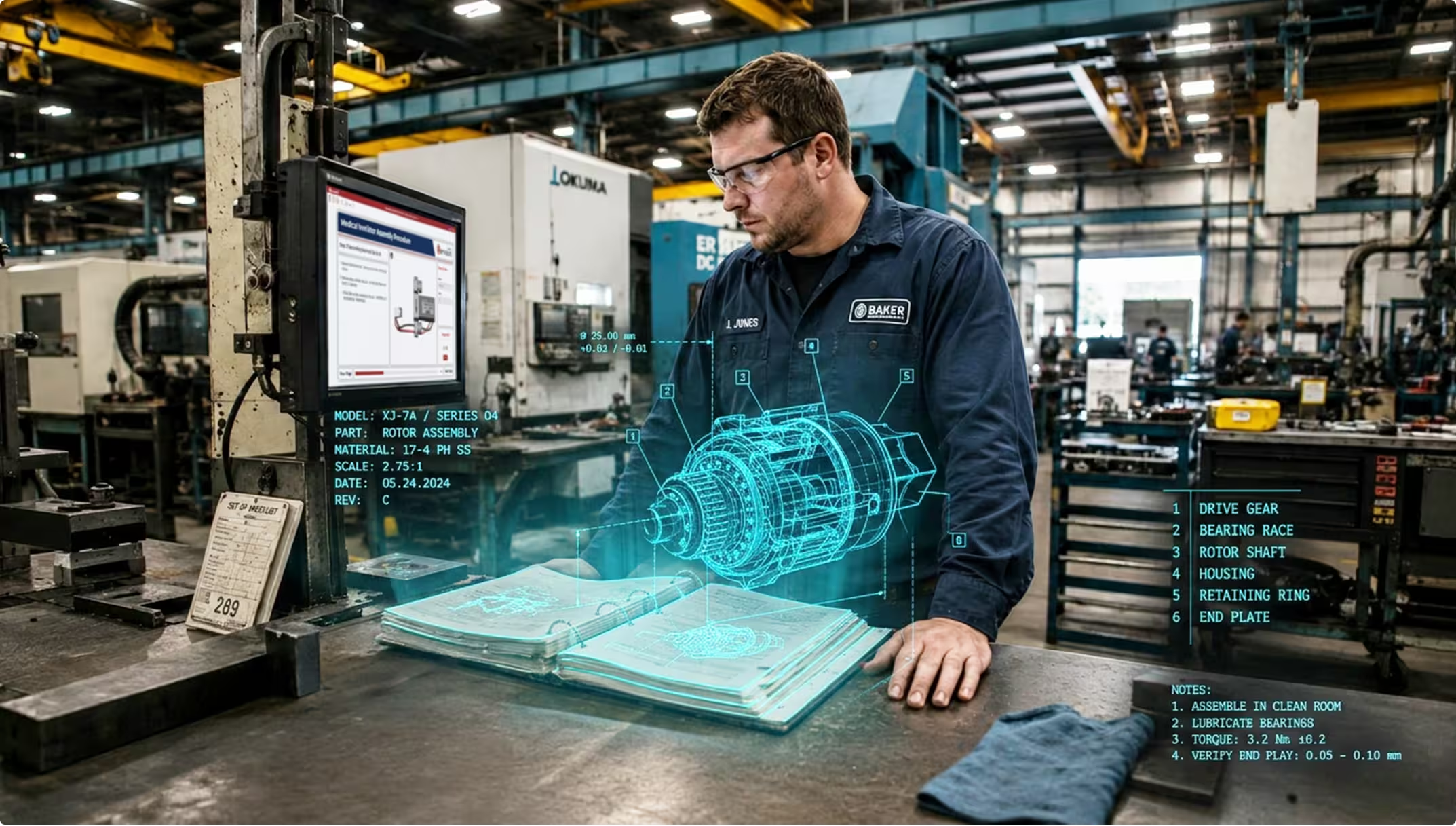
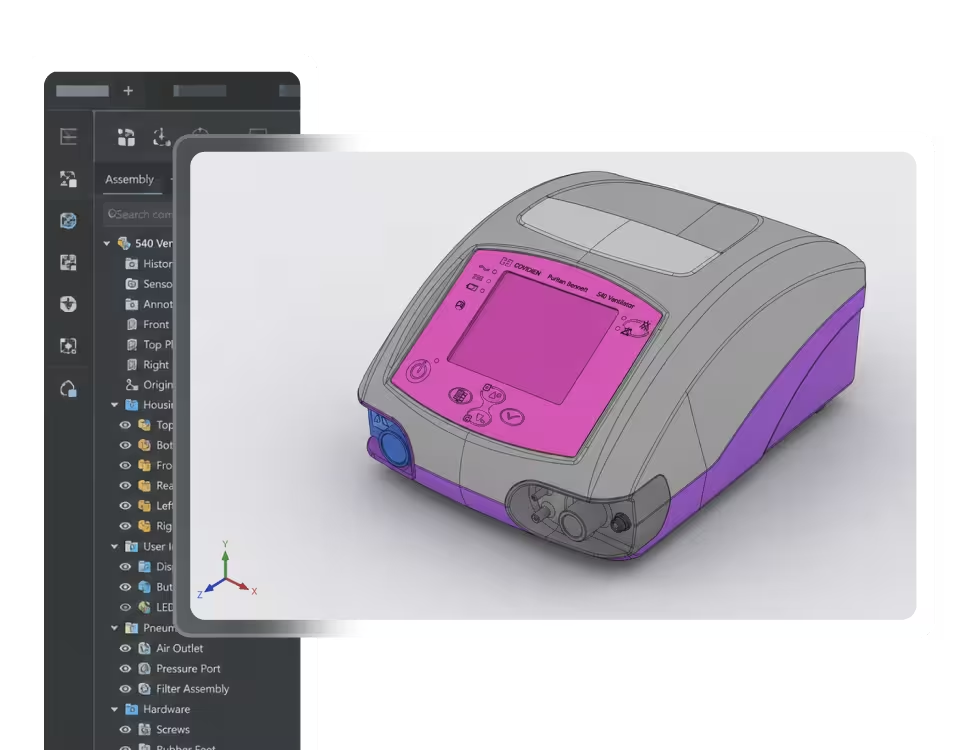
Build directly from your CAD data, with views, exploded assemblies, animations, labels, and embedded engineering specs coming straight from the model. Because the source content stays connected to engineering, instructions update naturally as designs evolve, and you can generate variants for different product configurations without redoing the work. The result is interactive instructions that workers of every skill level will actually use and benefit from.

Technician in a factory inspecting a holographic 3D rotor assembly model over an open manual.
[ Knowledge from any source ]

Capture what your best people know, before they go.

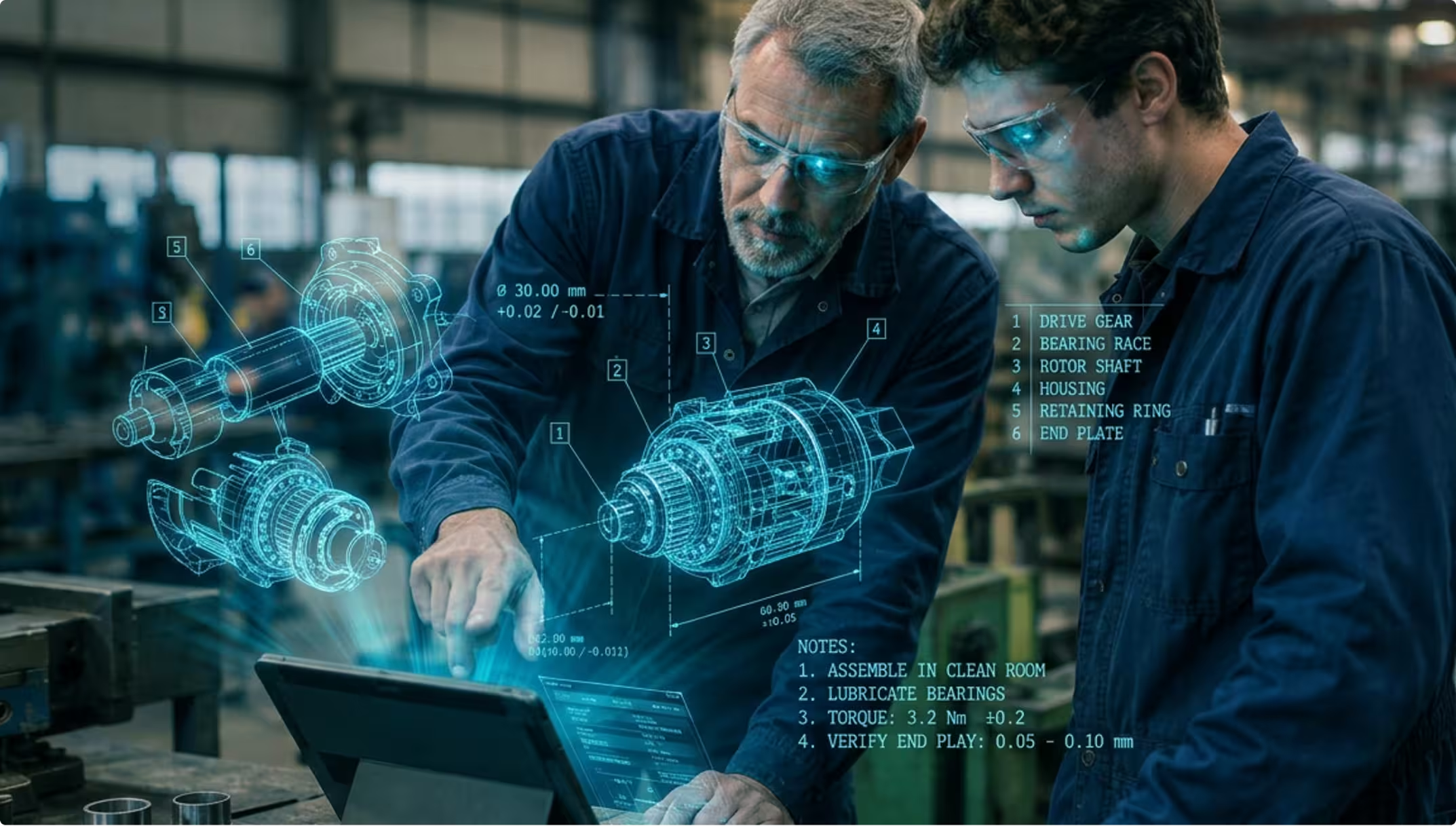
Record an experienced worker performing a procedure, hand Evie the video, and the result is a structured, sequenced work instruction. The same goes for legacy PDFs, scanned manuals, screenshots, and existing training content. Tribal knowledge becomes a reusable asset available to every shift, on every line.

Two engineers wearing safety glasses examine a tablet with holographic mechanical parts and assembly notes.
[ CONNECTED EXECUTION ]

The right instruction reaches the right person at the right moment.

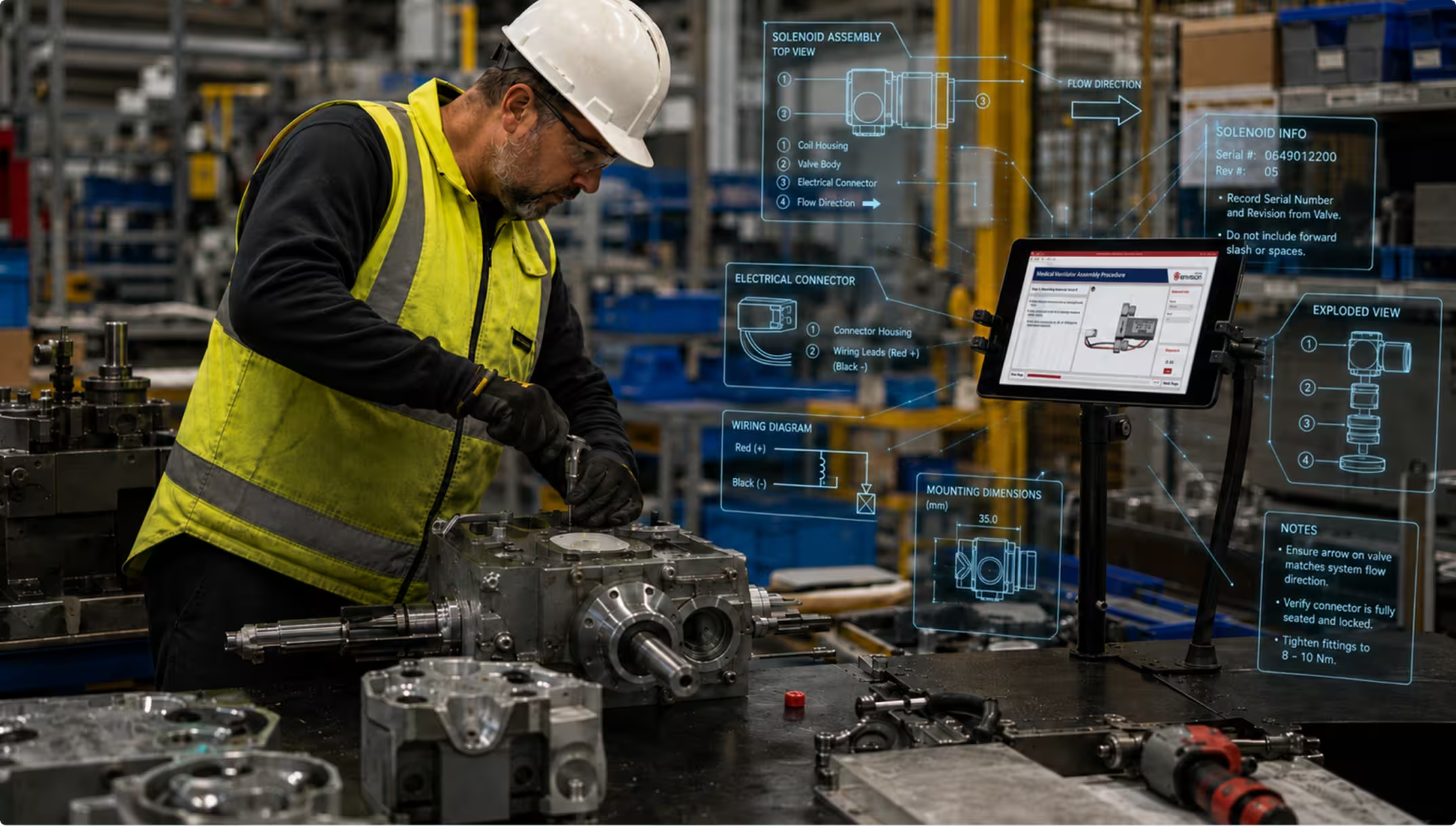
Adaptive visual instructions reach the worker at the point of work, in their language. New hires see the full picture; veterans see only what's different about this build. Worker observations, inspection results, and execution data flow back into engineering, so the next revision is informed by what actually happened on the line.

[ How It Works ]

From what you have to what they need.

Connect. Author. Deliver.

Step [01]

Connect

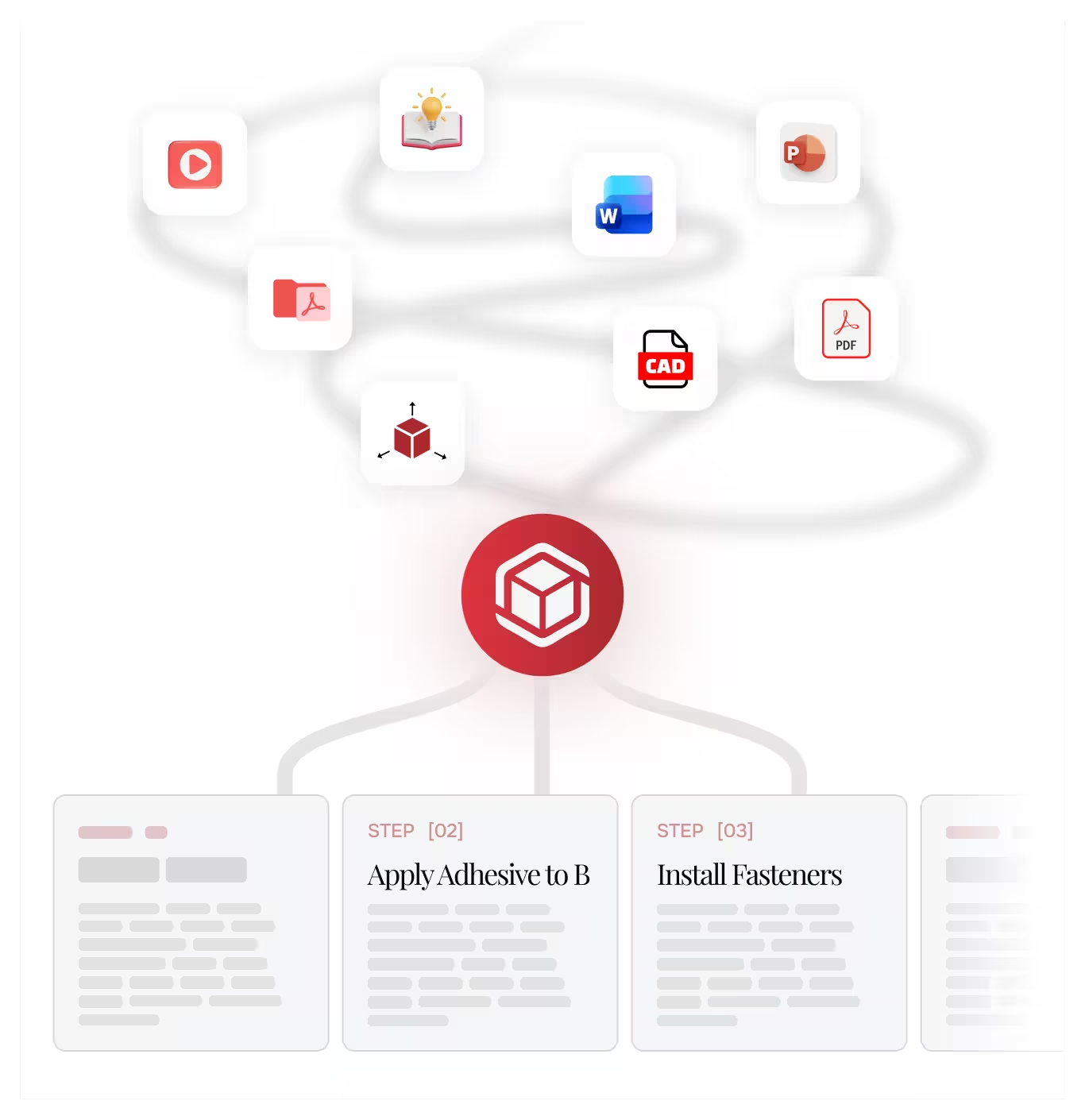
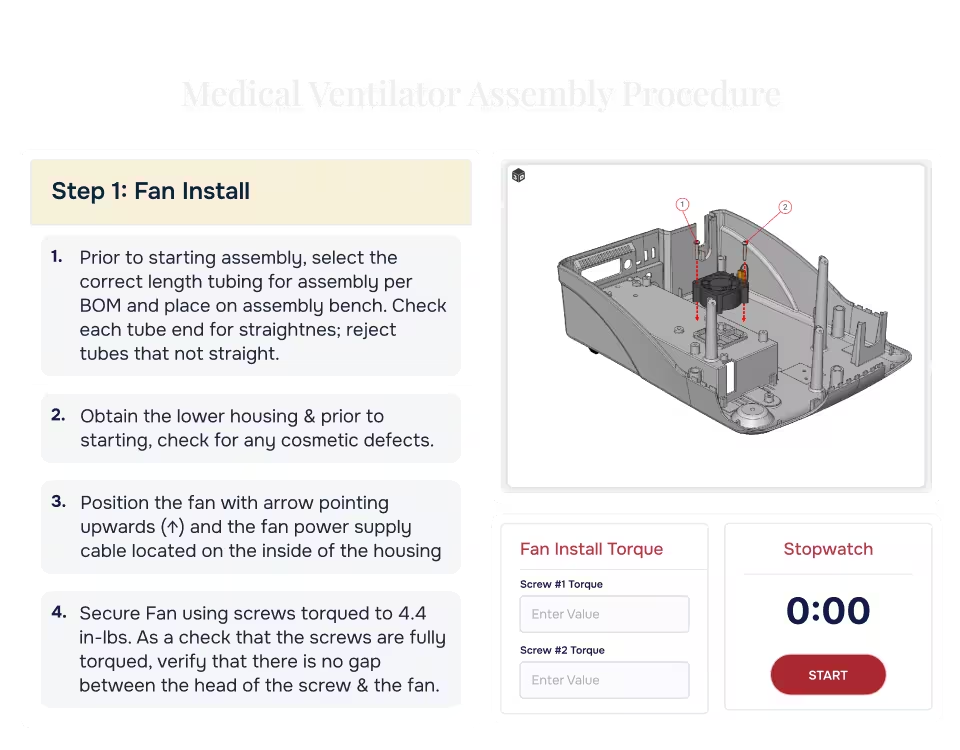
Import 3D CAD, PDFs, videos, or existing documentation. Link to your Product Lifecycle Management (PLM) system, and instructions stay tied to engineering source data as designs evolve.

Step [02]

Author

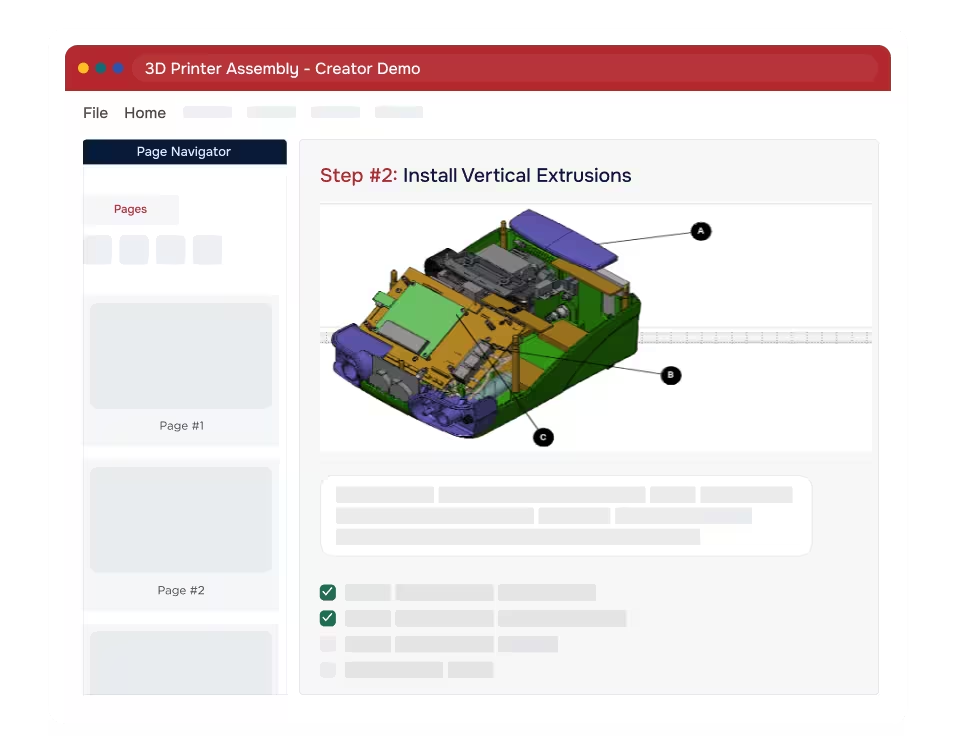
A no-code authoring environment built for manufacturing. Combine 3D, video, images, and text in a single canvas. Evie, your AI assistant, drafts from your source content, labels parts, creates assembly sequences, and converts legacy documents into structured instructions.

Step [03]

Deliver

Publish as graphics or static PDF documents, or deliver interactive digital work instructions on-platform that adapt by worker skill, language, and device. Link to your Manufacturing Execution System (MES), and instructions reach workers in the production workflow they already use, always current and always connected.

Request a demo
Arrow
Request a demo
Request Pricing
Request Pricing
[ The Value ]

What you can expect when manufacturing knowledge moves the way work does.

Hours back to your experts

The people who design products and processes are not technical writers. Producing structured work instructions is repetitive and pulls them away from design, process improvement, and yield work. Evie absorbs the documentation work and gives that time back.

AI as a force multiplier

A 50-part assembly instruction that took 2 days now takes less than an hour. Engineering change incorporation that used to take hours now takes minutes. A training video becomes sequenced steps in about 5 minutes.

Faster onboarding

When training and execution become the same experience, supported by adaptive visual instructions at the point of work.

First-pass yield improves

When workers build from interactive 3D instructions tied to engineering source data, not 2D drawings reinterpreted on paper.

ROI in weeks, not quarters

Most teams see measurable savings in their first program: less scrap, faster builds, fewer engineering change cycles, and reduced authoring labor.

[ Customer stories ]

Proof from the floor

Teams use Envision to move faster, reduce rework, and keep knowledge consistent without disrupting existing systems.

Otis
"We replaced 30 pages of 2D content with 7 minutes of interactive 3D. Our operators follow the instructions now, because they can actually understand them. We stopped sending new hires to the training room. They learn while they work, and the animated instruction is timed to the task. Every worker performs to the same standard, day one or day one thousand."
Manufacturing Engineering Lead
Industrial Equipment
7 minutes
of interactive 3D replaced 30 pages of 3D documentation
see more customer stories
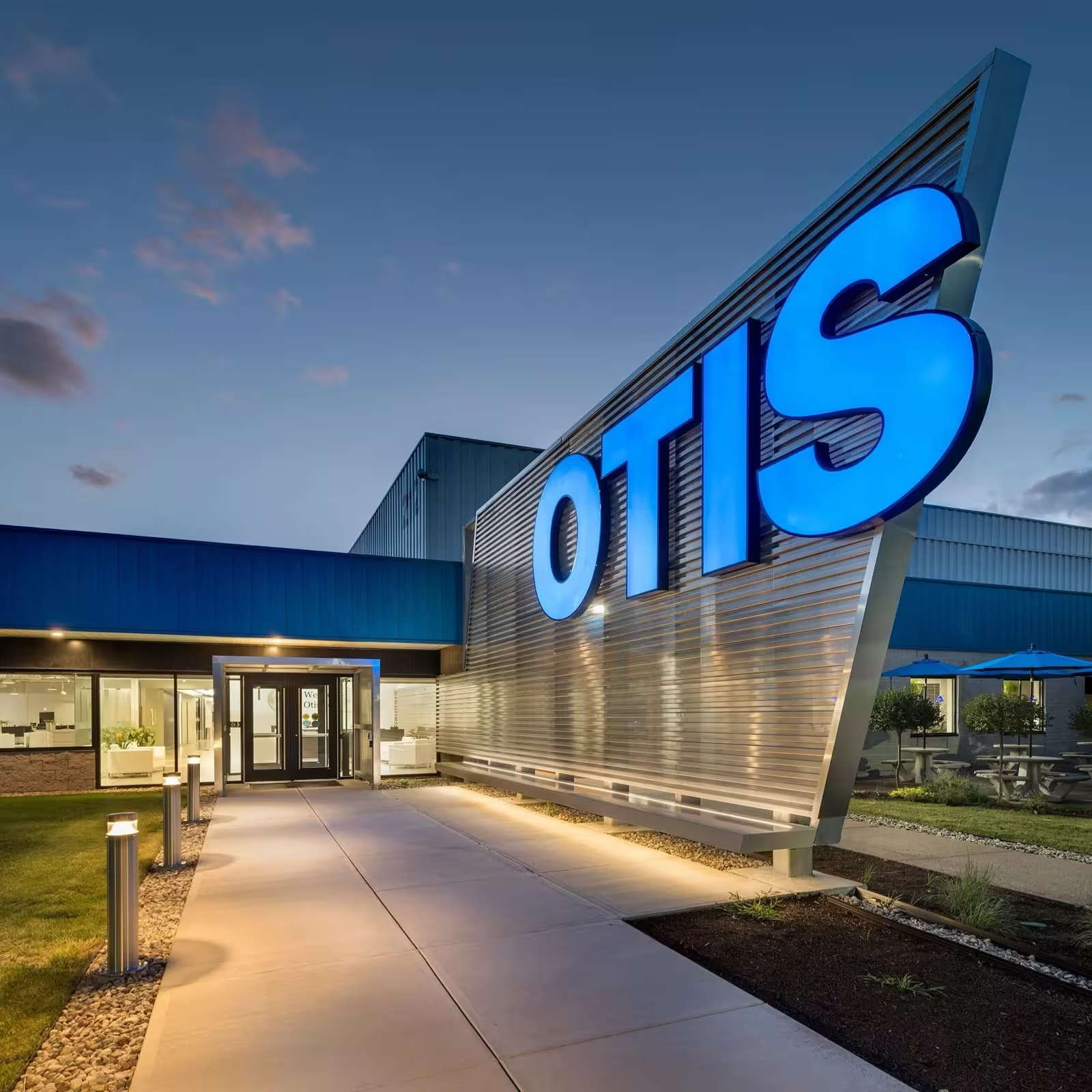
Entrance walkway to a building with large illuminated OTIS sign on metallic wall at dusk.
[ Integrations ]

Works with the systems you already have.

Canvas Envision connects to your engineering and shop-floor stack through pre-built integrations to Product Lifecycle Management (PLM) and Manufacturing Execution System (MES) platforms. The Envision SDK supports custom integrations to anything else.

Pre-built PLM integrations

Pre-built MES integrations

Custom Integrations

Anything with an API, via
Canvas Envision SDK logo
[ FAQs ]

Frequently Asked Questions.

Still have a question?

Our team is standing by to help you evaluate whether Envision is the right fit.

Book a time with us
Book a time with us

What is manufacturing knowledge management?

Manufacturing knowledge management is the discipline of capturing, structuring, and delivering the knowledge required to design, build, service, and improve products. It connects the engineers and process planners who hold that knowledge with the workers who need it at the moment of work, and with the systems that keep it current as products evolve. Canvas Envision is the visual execution platform purpose-built for manufacturing knowledge management. It turns engineering data, expert procedures, and existing documentation into structured, interactive work instructions, delivers them adaptively to every worker, and routes execution data and feedback back into engineering.

How does Canvas Envision approach knowledge management in manufacturing differently?

Most tools treat manufacturing documentation as a deliverable. We treat it as a connected loop. Instructions are authored from CAD, PDFs, videos, and existing content. They live as governed objects tied to engineering data. They reach the worker as adaptive interactive content. The data captured during execution flows back to engineering. The next revision is informed by what actually happened on the line.

How is Canvas Envision unique from other work instruction tools?

Most tools produce a static document. Canvas Envision produces interactive step-by-step instructions composed from your 3D CAD data, animations, video, images, and text in a no-code authoring environment. The CAD foundation keeps content current as designs evolve. Each step can capture observations, inspection results, and measurements as the work happens, then route them to your systems of record. The instruction becomes the work surface, not a reference document beside it.

What are work instructions in manufacturing?

Manufacturing work instructions are the procedures workers follow to build, assemble, service, and inspect products on the line. They translate engineering intent into the steps, visuals, tolerances, and confirmations needed to do the job correctly. Modern teams replace static paper and PDF documents with digital work instructions: interactive, built directly from engineering source data, and delivered to the worker at the point of work. Envision Creator, our work instruction software, is the authoring environment that produces them.

Do I need 3D models to get started?

No. Start with PDFs, images, or videos. Evie can convert existing documentation into structured work instructions. When you bring 3D into the picture, workers can rotate, zoom, and explore the assembly the way an engineer would. Animations show motion instead of just end states. Instructions update naturally when designs change.

How long does it take to get started?

The day Canvas Envision is available, your authors can build their first instructions and start realizing value. Envision Creator, our authoring environment, is built for engineers and process planners, not IT specialists. If you can use PowerPoint, you can use Envision Creator and be productive on your first day. Evie accelerates the work even further, so time to first value is measured in hours.

What do Evie AI Agents do?

Evie AI Agents are guided workflows that handle specific authoring tasks end-to-end. The built-in agents convert a PDF into a structured work instruction, turn a training video into sequenced steps, and build a 3D assembly instruction directly from CAD geometry. You can also create Custom Evie AI Agents that embed your company's standards, prompts, and best practices, so every author produces consistent, high-quality results across the team.

Can Canvas Envision integrate with our systems?

Yes. Pre-built PLM integrations with Envision Connector: Aras, Autodesk Vault, Infor, SSI Shipbuilding, SAIC ReadyOne. Pre-built MES integrations with Envision Connector: 42Q, Rockwell Plex. Custom: anything with an API, via the Envision SDK.

 Is my data secure?

Canvas Envision is SOC 2 Type 2 compliant. Encrypted in transit and at rest. SSO and MFA supported. Customer production data is not used to train Evie or any underlying AI model. Deploy on cloud, private cloud, GovCloud, or on-premises. See the Security page for full detail.

How is "connected knowledge" different from "connected worker"?

The connected-worker conversation has been about devices, data, and processes. Connected knowledge is about capturing expert engineering wisdom and sharing that with the worker, then routing the worker's execution data and feedback back into engineering.

Knowledge, executed.

Canvas Envision is the visual execution layer for manufacturing. We close the gap between what engineering knows and what the workforce can execute.

Request a Demo
Arrow
Request a Demo
Request Pricing
Request Pricing